Why eSIM Setup Trips People Up
If you have ever landed in a new country and watched your phone bill spiral from roaming charges, you already understand the problem an eSIM solves. But the actual mechanics, how a digital SIM card gets your phone connected to a foreign network without a physical piece of plastic, can feel like a mystery until you have done it once. This guide breaks down exactly how eSIMs work for travel, step by step, so you land already connected instead of hunting for a local SIM shop or a coffee shop with open WiFi.
What Is an eSIM, Exactly
An eSIM, short for embedded SIM, is a small chip built directly into your phone's hardware. Unlike a physical SIM card that you insert and remove, an eSIM is programmed remotely using a digital profile. That profile contains everything a network needs to recognize your device: carrier information, a phone number if applicable, and the settings that let you send data through that carrier's towers.
Every modern smartphone released since around 2019 has this chip built in, sitting alongside or instead of the traditional SIM tray. The difference is that instead of swapping out a card when you land somewhere new, you simply install a new digital profile.
How an eSIM Actually Connects You to a Network
Here is the part most people find confusing: how does a piece of code standing in for a physical card actually get you online in another country?
When you buy a travel eSIM, you are buying a data profile issued through a local or regional mobile network in your destination country. That network already has full infrastructure, towers, spectrum, and coverage, and your eSIM plan is essentially a guest pass onto that network. When you land and turn on data roaming for that eSIM profile, your phone automatically searches for and connects to the network your plan is tied to, exactly the way a local resident's phone would.
This is why the eSIM you install for a trip to Japan will not work if you land in Italy. Each plan is scoped to specific countries or regions, because it is tied to specific underlying carrier agreements.
Getting Set Up Before You Fly
The entire appeal of using an eSIM for international travel is that setup happens before you leave home, while you still have reliable WiFi and no time pressure. Here is what that process typically looks like.
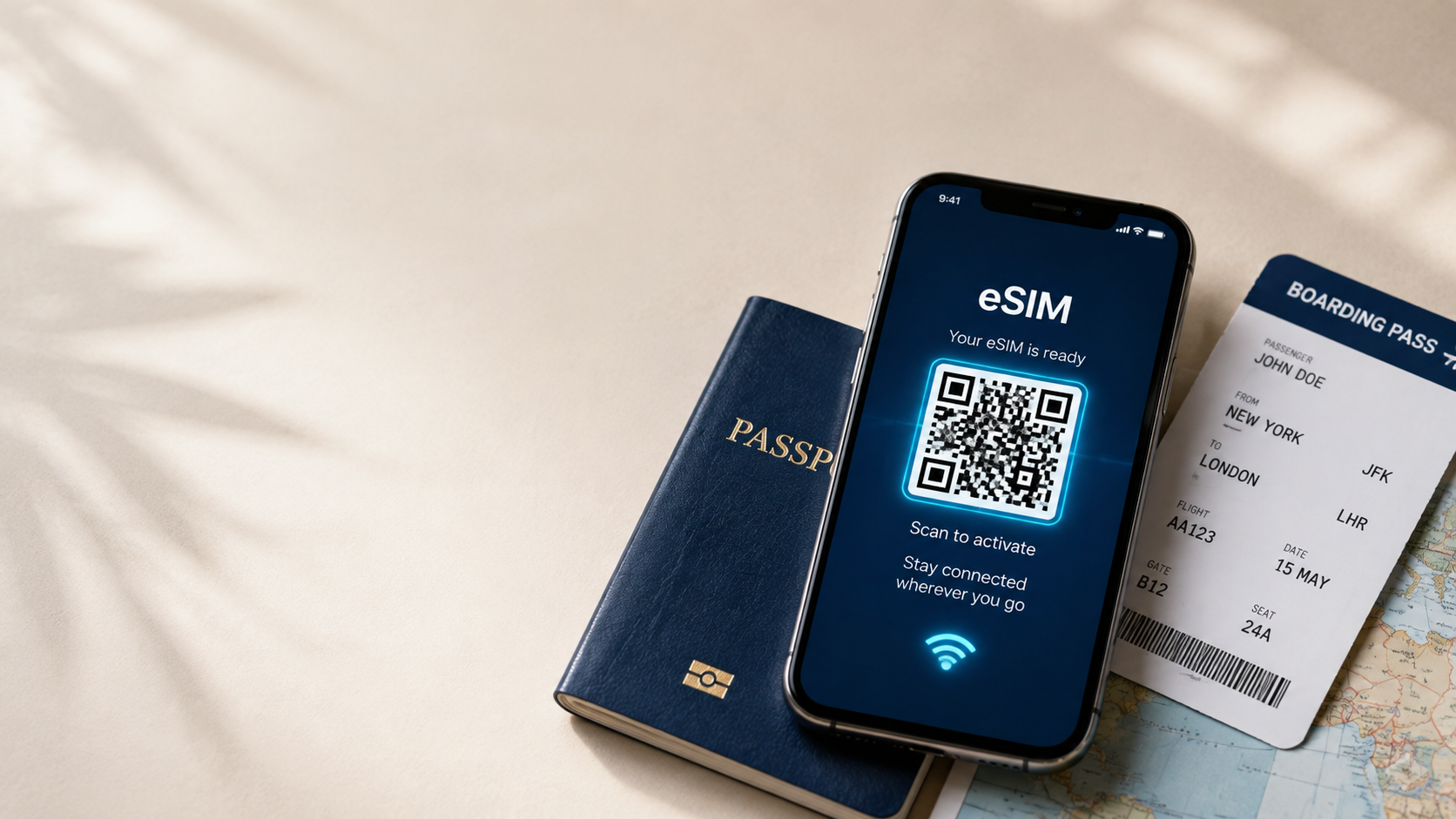
You choose a plan based on your destination and how much data you expect to use. After purchase, you receive either a QR code or an activation code by email. On an iPhone, you go into Settings, then Cellular, then Add eSIM, and either scan the QR code or enter the details manually. Android phones follow a nearly identical path through the network or connections settings.
The eSIM profile installs in under two minutes. It sits inactive on your phone until you choose to turn it on, which most travelers do either right before landing or immediately after touchdown. From that point, your phone automatically finds the associated network and you have data.
Using an eSIM While Traveling
Once installed, an eSIM behaves almost identically to a normal SIM card, with one key advantage: you can keep your home SIM active for calls and texts on your regular number while your travel eSIM handles data separately. Most phones support this because they can run two profiles at once, one physical or embedded SIM for your home line, and a second eSIM for local data.
Practically, this means your home number keeps working for calls, SMS verification codes, and app notifications, while all your actual data usage, maps, messaging apps, browsing, ride shares, runs through the cheaper local eSIM instead of expensive roaming rates.
If you run low on data mid-trip, most providers let you top up the same eSIM without reinstalling anything new. You simply add more data to the existing profile from your account or order page.
Physical SIM Card vs Electronic SIM Card for Travel
A traditional physical SIM card requires finding a local vendor, often at the airport where prices are inflated, filling out paperwork in some countries, waiting for activation, and physically swapping cards in and out of your phone, risking losing your original SIM in the process.
A digital SIM card skips every one of those steps. There is no card to lose, no vendor line to stand in, and no waiting once you land. The tradeoff is that eSIMs currently work only on newer devices, so if you are traveling with an older phone, a physical SIM may still be your only option.
What You Need Before Buying a Travel eSIM
Three things determine whether a travel eSIM will work for your trip. First, your phone needs to be eSIM compatible, which most phones from 2019 onward are, though it is worth confirming your specific model. Second, your phone needs to be carrier unlocked, since a locked phone may block additional network profiles even if the hardware supports eSIM. Third, you need WiFi or existing data access at the moment you install the profile, since the download itself requires an internet connection, though the eSIM can sit installed and inactive until you actually need it abroad.
Why This Matters More Than People Realize
Beyond convenience, the way eSIMs work solves a real financial problem. International roaming through your home carrier is typically billed per day or per megabyte at rates far above what local data actually costs. By connecting you directly to a local network's infrastructure through a dedicated data plan, an eSIM lets you pay local or near-local pricing instead of premium roaming markups, often cutting travel data costs by more than half.
It also solves a security problem physical SIMs never fully addressed. Losing a physical SIM card, or having a phone stolen with an active SIM inside, can create real vulnerabilities. An eSIM profile cannot be physically removed or lost, and can be managed or deleted remotely through your phone's settings.
Getting Online the Moment You Land
The whole value of understanding how eSIMs work comes down to one outcome: skipping the scramble that used to define the first hour of any trip. No searching for a SIM kiosk, no language barrier at a phone shop counter, no thirty minutes of setup while your ride waits outside arrivals. Set it up once before you fly, and your phone finds a signal the moment the plane's wheels touch down.
Need data for your trip?
Browse eSIM plans for 190+ destinations — instant QR delivery.
Browse destinations