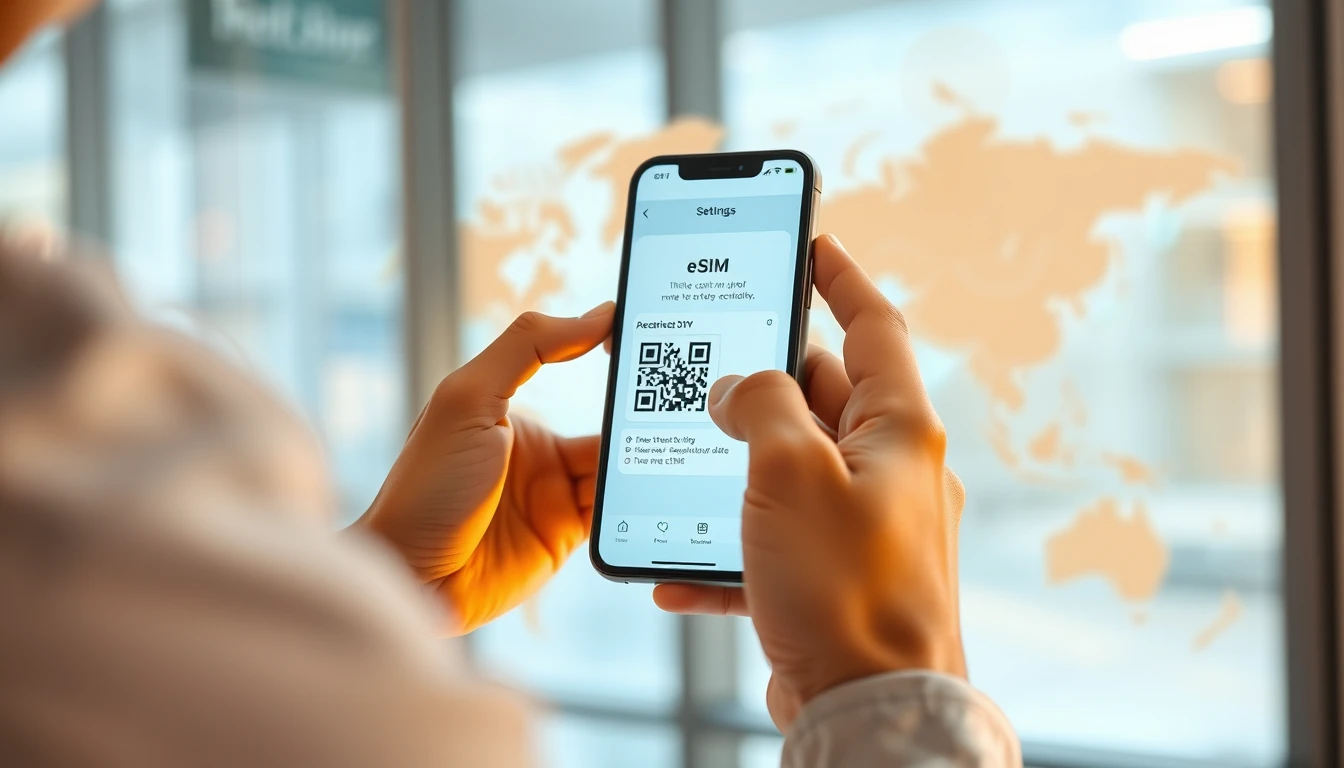
Modern travel relies on staying connected, and the shift from physical plastic cards to digital eSIMs has made international roaming significantly more efficient. An eSIM is a virtual SIM card embedded directly into your phone's hardware. Because it is digital, you can download a data plan before you even board your flight, avoiding the hassle of finding a local shop or swapping tiny cards at the airport. However, the technology is not universal. Understanding which phones support eSIM is the first step toward a seamless travel experience.
How to check if your phone supports eSIM
The easiest way to verify if your device is eSIM-ready is to check your phone settings. For iPhone users, navigate to Settings, then Cellular or Mobile Data. If you see an option labeled Add eSIM or Add Cellular Plan, your device is compatible. For Android users, go to Settings, then Network & Internet or Connections, and look for SIM Manager or a section dedicated to SIM cards. If you see an option to Add eSIM, you are ready to proceed.
Another reliable method is to check your device's EID number. The EID, or Embedded Identity Document, is a unique 32-digit serial number assigned to your device's eSIM chip. You can usually find this by dialing *#06# on your phone's keypad. If an EID appears on the screen, your phone supports eSIM technology. If only your IMEI numbers appear, your hardware likely does not have the necessary chip.
Apple device compatibility
Apple has been a leader in eSIM adoption. All iPhone models starting from the iPhone XS, iPhone XS Max, and iPhone XR support eSIM. This includes every subsequent release, such as the iPhone 11, 12, 13, 14, 15, and 16 series, as well as the iPhone SE (second and third generations). Note that iPhones purchased in mainland China, Hong Kong, and Macau often do not support eSIM functionality. Always check the regional specifications of your device if you purchased it outside of your home country.
Android device compatibility
Android support is broad but varies by manufacturer and region. Google Pixel devices have supported eSIM since the Pixel 2, with full functionality standard from the Pixel 3 onwards. Samsung has integrated eSIM into its flagship lines starting with the Galaxy S20 series, as well as the Note 20 and all Z Fold and Z Flip models. Other manufacturers like Motorola, Xiaomi, and Sony have also begun including eSIM slots in their newer premium and mid-range devices.
It is important to remember that some regional variants of Android phones are sold without eSIM capability. Even if a model is listed as compatible globally, a specific carrier-locked version in your home country might have the feature disabled. Before purchasing a data plan, verify that your specific device model is unlocked and not restricted to a single network provider.
The importance of carrier unlocking
Even if your phone supports eSIM hardware, it will not work with a travel eSIM if the device is carrier-locked. A locked phone is restricted to a specific network provider, usually because you are still paying off a device installment plan or are under a long-term contract. You must contact your home carrier to request an unlock before you travel. Once your phone is unlocked, you can freely add secondary eSIM profiles from iNeedeSIM or other providers without affecting your primary home SIM.
How eSIM data plans work for travel
Travel eSIMs are typically data-only plans. This means they provide you with mobile data for maps, messaging apps, and web browsing, but they do not usually include a traditional phone number for cellular calls or SMS. You can still use services like WhatsApp, FaceTime, or Skype to make voice and video calls over your data connection. Because these plans are digital, they are easily managed via a QR code or manual activation code provided by your service partner.
Most modern phones allow you to keep your primary SIM active alongside your eSIM. This is known as Dual SIM mode. You can set your home SIM to handle calls and texts while designating your travel eSIM as the primary source for mobile data. This prevents expensive roaming charges from your home carrier while ensuring you remain reachable on your usual phone number.
Tips for a successful installation
Successful activation requires a stable internet connection. Most travelers prefer to download their eSIM profile while still at home on reliable Wi-Fi. Once the profile is installed, it will typically remain inactive until it detects the network in your destination country. If you encounter any issues during the process, consult our help resources for troubleshooting common activation errors, such as incorrect APN settings or regional restrictions.
Always ensure your phone's software is updated to the latest version. Manufacturers frequently roll out firmware updates that improve eSIM stability and network compatibility. Additionally, if you plan to use your phone as a hotspot to share data with other devices, verify that your specific eSIM plan supports tethering, as this is a standard feature for most high-quality travel data packages.
Frequently asked questions
Does using an eSIM drain my battery faster?
Using an eSIM does not significantly impact battery life compared to a physical SIM. The power consumption is virtually identical, though using dual SIM mode with both chips active can lead to a slightly higher drain than using a single SIM.
Can I use multiple eSIMs on one device?
Yes, many modern smartphones allow you to store multiple eSIM profiles simultaneously. However, you can typically only have one or two active at any given time depending on your device's specific hardware limitations.
What happens if I delete my eSIM profile by mistake?
If you accidentally delete an eSIM profile, you cannot simply reinstall it using the same QR code. You must contact your provider's support team to have the profile reset or reissued for your device.
Besoin de données pour votre voyage ?
Parcourez les forfaits eSIM pour plus de 190 destinations — livraison instantanée par QR code.
Parcourir les destinations