How to Set Up an eSIM for Europe Travel: Activation, Coverage & Troubleshooting
Getting your eSIM working smoothly across Europe comes down to picking the right plan type for your itinerary, activating it correctly before you fly, and knowing how to fix the handful of issues that trip up most first-time users. Whether you are backpacking through five countries or settling into one city for a few weeks, the setup process is largely the same, and getting it right before departure means one less thing to think about once you land.
Understanding eSIM Technology
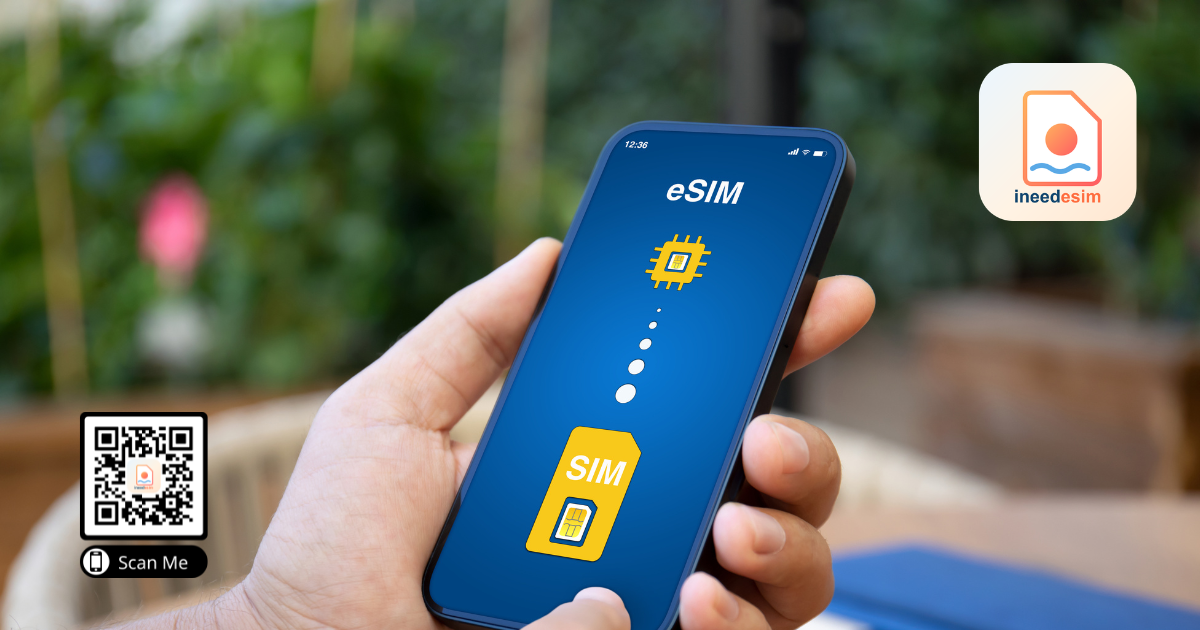
An eSIM is a digital version of a physical SIM card embedded directly into your smartphone hardware. It functions identically to a traditional SIM, providing access to local cellular networks, but it is activated via a QR code or an SM-DP+ address rather than a plastic chip. This allows you to switch carriers instantly without needing to visit a local store or swap hardware.
Before purchasing, you must verify that your device is carrier-unlocked. Many smartphones purchased through a contract are locked to a specific provider and will not accept an eSIM from a different source. You can usually check this in your phone settings under the network or cellular menu. Additionally, ensure your phone is eSIM-compatible, which includes most flagship models released after 2018.
Regional Coverage vs Local eSIMs
When traveling across Europe, you have two primary options: a regional eSIM that covers multiple countries or a single-country eSIM. A regional plan is typically the best choice for travelers visiting three or more countries, as it provides a seamless connection that persists even as you cross borders. These regional plans often leverage multiple partner carriers to ensure you stay connected throughout the European Union and the United Kingdom.
If you are visiting only one or two countries for an extended period, a local eSIM might offer a better price-to-data ratio. Local providers often have higher data caps or faster speeds within their specific territory. However, if you choose a local option, remember that you will need to purchase a new eSIM if you decide to extend your trip to a neighboring country unexpectedly.
Activation and Installation Steps
Activation is typically a straightforward process, but it requires a stable internet connection. You should ideally install your eSIM while you are still at home or at a hotel with reliable Wi-Fi. Following the installation guide provided by your vendor is crucial to ensure the APN settings are configured correctly for the specific region.
Purchase your eSIM and receive your QR code or activation details via email.
Navigate to the cellular or mobile data section in your phone settings.
Select the option to add an eSIM or cellular plan.
Scan the QR code or enter the SM-DP+ address provided.
Label the eSIM clearly, such as Europe Travel, to distinguish it from your home SIM.
Keep your home SIM active if you need to receive SMS verification codes, but ensure data roaming is turned off for that specific line to avoid surprise charges.
Managing Connectivity and Hotspots
One major advantage of modern eSIMs is that most support hotspot and tethering capabilities. This allows you to share your data connection with a laptop or tablet, which is invaluable for digital nomads. Always check the specific terms of the eSIM plan, as some budget options may restrict tethering or throttle speeds after a certain amount of data is consumed.
If you encounter issues, the first step is to toggle airplane mode on and off to force a network refresh. If that fails, check your mobile network settings to ensure the correct network is selected, or contact the help center for your provider. At ineedesim, we prioritize clear setup instructions to minimize these common technical hurdles.
Preventing Unexpected Roaming Charges
The most frequent mistake travelers make is accidentally leaving their home carrier's data roaming enabled. Even if you have an eSIM active, your phone might attempt to connect to your home network for background updates or system services, resulting in significant daily roaming fees. Always double-check that your home SIM has data roaming set to off in your phone's cellular settings.
Using an eSIM from ineedesim allows you to manage your costs upfront. By selecting a pre-paid data package, you eliminate the risk of overage fees and hidden costs. This transparency is the primary reason why travelers are shifting away from traditional carrier roaming plans toward digital, travel-specific data solutions.
Need data for your trip?
Browse eSIM plans for 190+ destinations — instant QR delivery.
Browse destinations