Modern iPhones have revolutionized travel by allowing users to store multiple digital SIM profiles directly on the device. If you are a frequent traveler, you might be wondering how many eSIMs can my iPhone have to ensure you stay connected across different borders without swapping physical cards. The good news is that Apple allows you to store more than eight eSIMs on your iPhone, though the number of active lines is limited by the hardware capabilities of your specific model.
Understanding eSIM Storage vs. Active Lines
It is important to distinguish between the number of eSIMs you can store in your device's memory and the number of eSIMs you can have active at the same time. You can store eight or more eSIM profiles on your iPhone's internal storage, effectively creating a library of connectivity options for your future trips. This is particularly useful if you visit the same countries regularly and want to keep your preferred carrier profiles ready for instant activation.
However, the number of active lines is restricted by the hardware. On most modern iPhones, including the iPhone 13 series and newer, you can have two active SIMs simultaneously. This could be one physical nano-SIM and one eSIM, or two active eSIMs at the same time. Older models, such as the iPhone XS through the iPhone 12, generally allow only one active eSIM at a time alongside a physical SIM card.
How to Manage Multiple eSIM Profiles
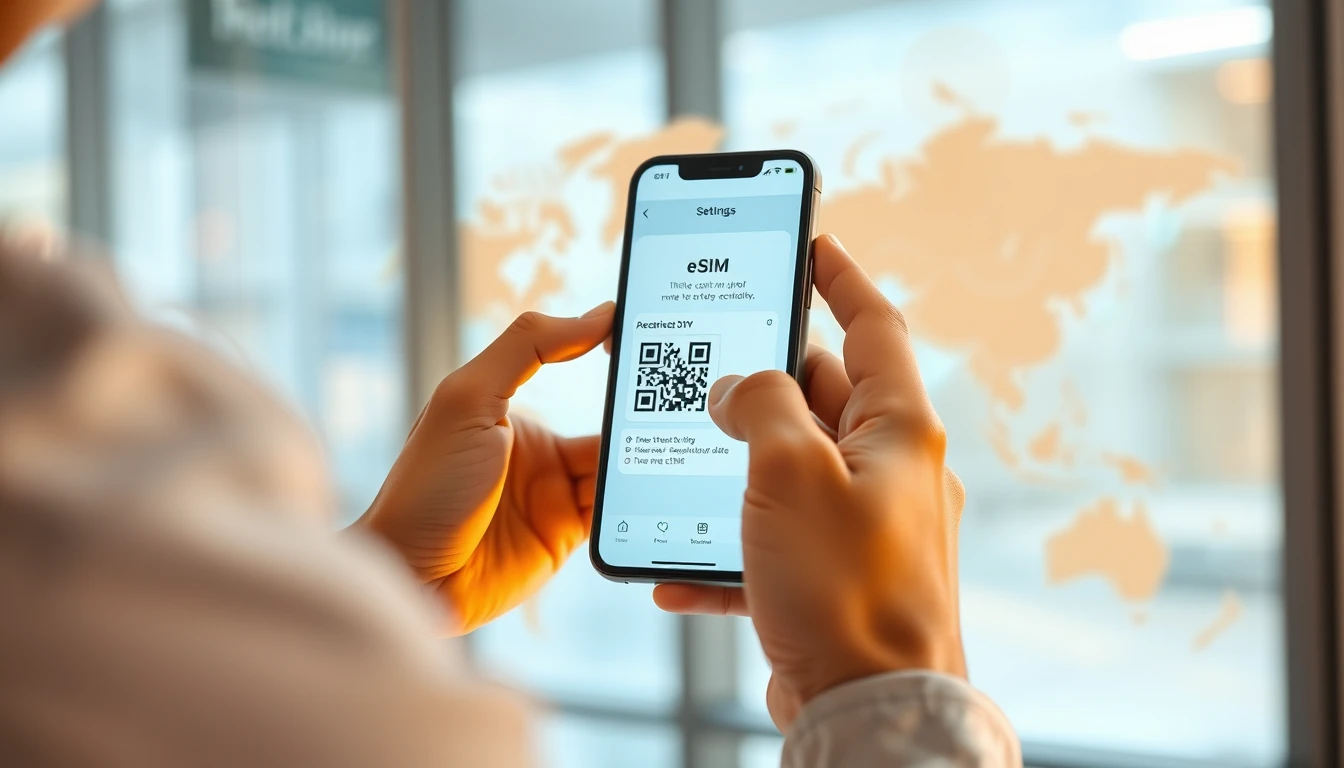
Managing your eSIM library is straightforward through the iOS Settings menu. When you navigate to Settings and then Cellular, you will see a section labeled SIMs. This is where your stored profiles reside. You can tap on any specific eSIM to view its details, toggle it on or off, or delete it entirely if you no longer plan to use that specific plan.
When you arrive in a new country, you do not need to delete your old eSIMs to add a new one. Simply follow the activation process provided by your install guide to add a new profile. If you have reached the maximum number of active lines, your iPhone will prompt you to turn off one of your currently active lines before it can activate the new one. This ensures you never lose your secondary numbers while adding data-only plans for travel.
Data-Only eSIMs and Daily Usage
Most travelers use data-only eSIMs to avoid high roaming charges from their home carrier. These plans are designed for internet access and do not typically include a local phone number for voice calls or SMS. When you have two eSIMs active, you can designate one for cellular data and the other for voice or backup connectivity. This is a common setup for business travelers who need to keep their home number reachable while using a local data plan for maps, navigation, and web browsing.
Typical data usage for a traveler ranges from 500MB to 1GB per day, depending on your activity. Streaming high-definition video or conducting long video calls will consume data much faster than checking emails or using navigation apps. You should always check your data balance through the help section of your provider if you feel you are approaching your limit. Many providers allow you to purchase top-ups directly through their app or website without needing to install a new eSIM profile.
Switching Between Active eSIMs
Switching between your stored eSIMs is a seamless process. In the Cellular settings, you can select which line is your primary line for voice and which is assigned for data. If you are in a country where you have a local eSIM, you can set that as your primary data source. This prevents your home carrier from triggering expensive roaming data charges.
It is also worth noting that you can turn off your home carrier's cellular line entirely while keeping the eSIM profile stored. This is a proactive way to avoid any accidental roaming charges. When you return home, simply toggle your home line back on in the settings, and your phone will reconnect to your home network as if you never left.
Compatibility and Hardware Limitations
Not all iPhones support dual eSIM functionality. While the iPhone 13 and newer models support two active eSIMs, it is always wise to verify your specific model's capabilities. You can check this in your phone's settings under General and About. Look for the EID number; if your device has an EID, it is eSIM compatible.
If you find yourself frequently switching between many eSIMs, consider keeping your most-used profiles installed and deleting expired ones. This keeps your Cellular menu organized and prevents confusion when selecting which line to use for data. Remember that deleting an eSIM profile is usually permanent, so ensure you have finished using the data plan before removing it from your device.
Frequently asked questions
Will deleting an eSIM profile cancel my data plan?
Deleting an eSIM profile from your iPhone settings removes the connection to the carrier but does not necessarily cancel the service contract or refund your plan. Always ensure your data balance is used or that you no longer need the plan before removing the profile from your device.
Can I use two eSIMs for data at the same time?
No, your iPhone can only use one cellular data connection at a time. While you can have two active lines for voice, you must manually select which eSIM provides the data connection in your Cellular Data settings.
Do I need to be connected to Wi-Fi to activate a new eSIM?
Yes, you typically need a stable Wi-Fi connection to download and activate a new eSIM profile. It is recommended to perform the installation before you leave for your trip or at your hotel upon arrival.
Need data for your trip?
Browse eSIM plans for 190+ destinations — instant QR delivery.
Browse destinations