Since Apple introduced the eSIM-only model for iPhones starting with the iPhone 14 series in the United States, the way travellers approach connectivity has shifted significantly. Gone are the days of hunting for a physical SIM card kiosk in a foreign airport arrivals hall. Understanding this shift is essential for ensuring you remain connected from the moment you land, as the traditional physical card slot is no longer a safety net for many modern users.
The reality of eSIM-only devices
When your iPhone lacks a physical SIM tray, your only method for cellular connectivity is the embedded SIM, or eSIM. This is a digital version of a SIM card that is downloaded directly onto your phone's internal chip. For international travel, this means you must source and activate your data plan digitally. You are no longer reliant on hardware swaps, which reduces the risk of losing your original home SIM card while traveling.
However, this also means you must be proactive. Without a physical card to buy on the spot, you need to ensure your device is unlocked by your home carrier before you leave. If your device is locked, it will not accept an eSIM from an international provider, leaving you without local data options upon arrival. Always verify your carrier lock status in your iPhone settings under General and About.
Managing multiple eSIM profiles
One of the primary advantages of an iPhone going eSIM-only is the ability to store multiple eSIM profiles simultaneously. While you can only have two active at once on most modern iPhones, you can store several profiles on your device. This is particularly useful for frequent travellers who visit the same countries repeatedly.
You can keep your home line active for SMS or emergency calls while having a secondary data-only eSIM active for your destination. It is vital to manage your Cellular Data settings carefully. Ensure that your home line has Data Roaming turned off to avoid accidental charges, while enabling Data Roaming specifically for your travel eSIM. You can find detailed instructions on how to set this up in our install guide.
Data-only vs voice and SMS
Most travel eSIMs are data-only products. This means they provide internet access for maps, messaging apps, and web browsing, but they do not come with a traditional local phone number for voice calls or SMS. This is usually sufficient for the modern traveller who relies on apps like WhatsApp, Telegram, or FaceTime for communication.
If you require a local phone number for reservations or local services, you should check if your chosen provider offers a plan that includes a voice and SMS package. If not, your best strategy is to keep your home SIM active for incoming calls (check your provider's roaming rates) or rely entirely on VoIP services. Remember that your travel eSIM will allow you to use your preferred voice apps over data without interruption.
Activation methods and timing
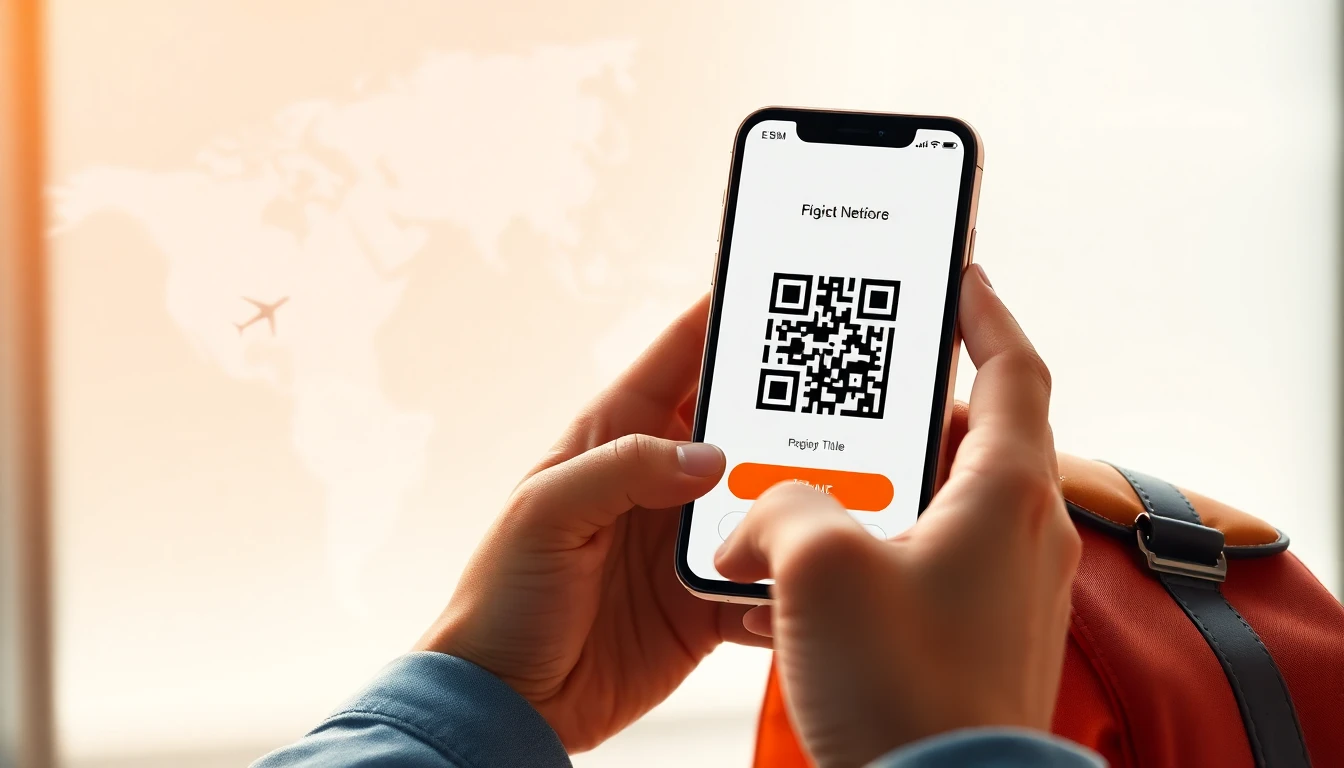
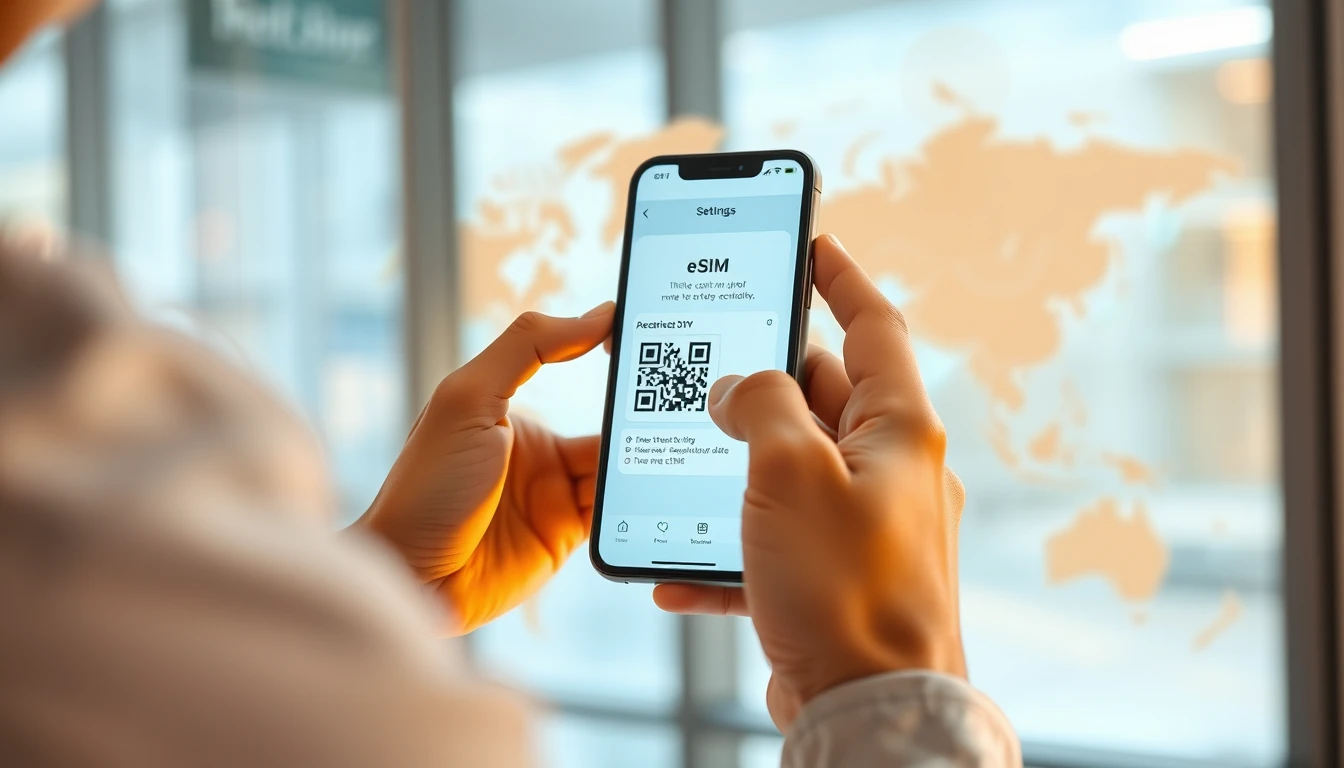
Activation typically happens via a QR code or an in-app installation process. The most common method involves scanning a QR code provided by the eSIM store. Once scanned, your phone will prompt you to label the new plan, such as 'Travel' or 'Vacation'. This label helps you distinguish between your home line and your temporary data line.
It is highly recommended to install your eSIM before you depart for your trip. Most eSIMs require a stable Wi-Fi connection to download the profile to your device. By installing it at home, you ensure that the moment you land, you simply need to toggle the eSIM to 'On' in your settings to gain instant access to the local network.
Avoiding common pitfalls
One of the biggest mistakes travellers make is failing to check their data consumption. Depending on your usage, you might need anywhere from 500MB to 2GB per day. Streaming high-definition video or backing up photos to the cloud will drain your data allowance very quickly. Always use Wi-Fi at your accommodation for heavy tasks like software updates or cloud syncing.
Another point of failure is not checking coverage maps. Not all eSIMs provide the same network quality in every region. If you encounter issues during setup, our help page offers troubleshooting steps to resolve common activation errors, such as failing to connect to the network or missing APN settings. Always ensure your APN is configured correctly if the eSIM does not connect automatically.
Hotspot and tethering capabilities
Most modern travel eSIMs support hotspot and tethering, allowing you to share your data connection with a laptop or a travel companion's device. This is incredibly useful if you are working remotely or need to access a larger screen. However, remember that tethering can consume data much faster than phone-based browsing.
Always monitor your data usage if you plan to share your connection. If you find yourself running low, many providers allow you to purchase a top-up or an additional data package directly through their website or app. Having a reliable data source through ineedesim can prevent the stress of searching for public Wi-Fi in unfamiliar locations.
Frequently asked questions
Can I use my home SIM and travel eSIM at the same time?
Yes, you can keep both active simultaneously. Simply ensure that your home SIM is set to allow calls and texts, while your travel eSIM is designated as the primary source for cellular data.
What happens if I run out of data while abroad?
Most providers allow you to purchase a top-up through their platform. You will need a stable internet connection, such as hotel Wi-Fi, to complete the purchase and activate the additional data.
Is an eSIM-only iPhone safe to take to remote areas?
Yes, provided there is cellular infrastructure in the area. The technology does not change the coverage; it only changes how your device authenticates with the network towers.
Need data for your trip?
Browse eSIM plans for 190+ destinations — instant QR delivery.
Browse destinations