Barbados eSIM: Prepaid Mobile Data for Your Trip
Introduction
Barbados is a compact Caribbean island known for pink and white sand beaches, a strong cricket and rum heritage, and a coastline that shifts from calm Caribbean Sea waters on the west to rougher Atlantic surf on the east. Bridgetown, the capital, mixes colonial-era architecture with a busy harbor, while spots like Bathsheba draw surfers and photographers to the island's wilder side. Whether you're relaxing on the west coast, exploring Harrison's Cave, or catching a cricket match at Kensington Oval, having mobile data on hand makes it easier to move around and plan each day.
A prepaid Barbados eSIM sets you up for that from the moment you land. Rather than paying your home carrier's roaming rates or hunting for a SIM card vendor after arriving at Grantley Adams International Airport, you can have your data plan ready before you even board your flight.
Why Choose an eSIM for Barbados
Roaming charges can add up quickly, especially if you're using your phone for maps, ride bookings, or checking in with people back home throughout your trip. Buying a local SIM card is possible, but it usually means finding a shop, showing identification, and setting up a new number, extra steps that cut into a short island stay.
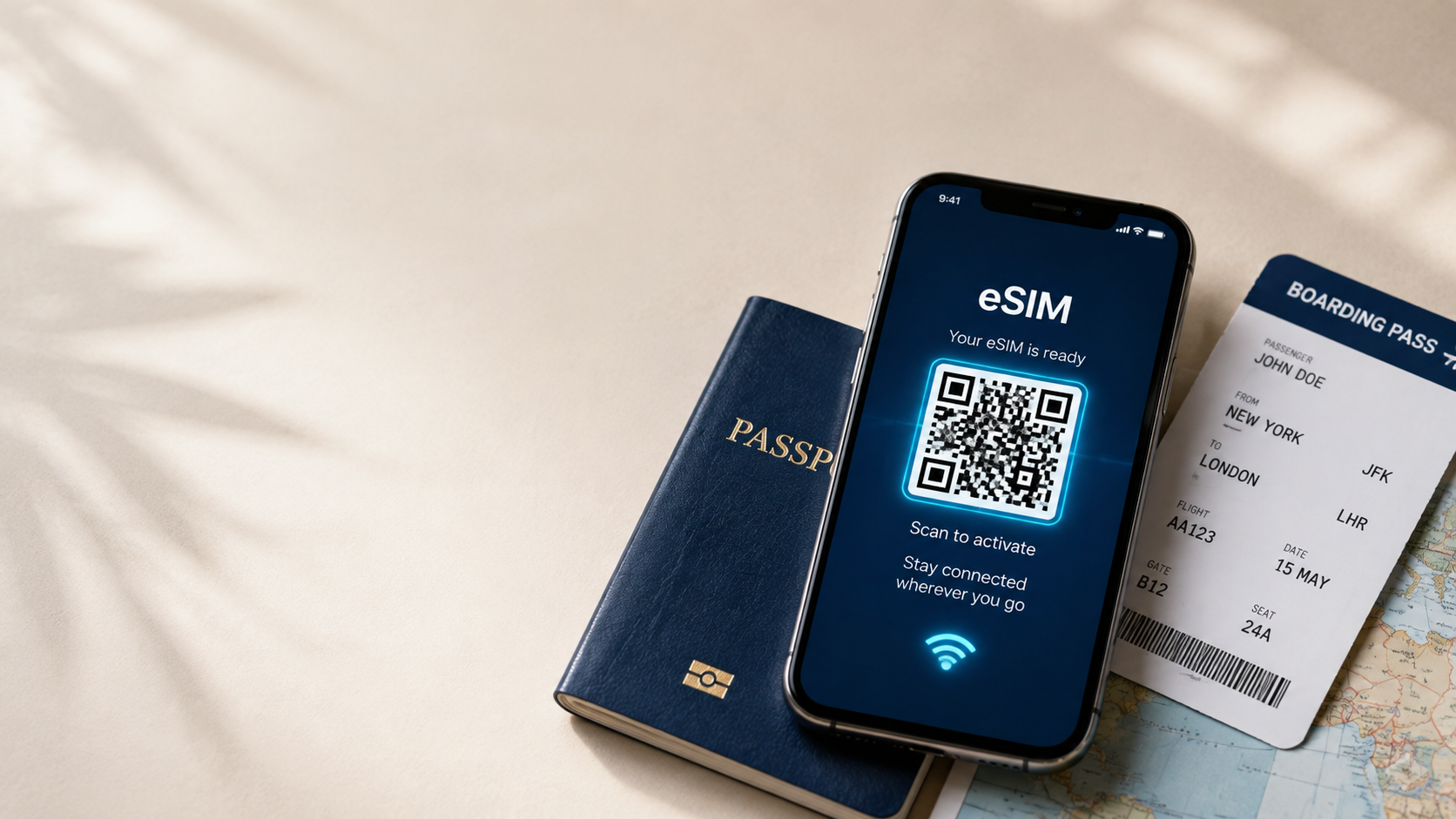
An eSIM avoids all of that. Since it installs as a digital profile rather than a physical card, you can set it up before you leave home and simply switch it on when you land. That's especially useful for travelers on a quick getaway or a cruise stop, where every hour on the island counts.
Benefits of Buying from iNeedeSIM
- Instant email delivery: Your eSIM and QR code arrive in your inbox shortly after purchase.
- Simple QR code activation: Scan the code once and your phone completes the setup.
- No physical SIM card: Your existing SIM stays untouched, with nothing to insert or swap.
- Secure online checkout: Payments are processed through a protected system.
- Flexible prepaid plans: Choose a data allowance that fits the length of your stay.
- Reliable customer support: Available if you have questions during setup or while traveling.
Mobile Connectivity in Barbados
- Navigating the west coast's resort strip or Bridgetown's harbor area
- Booking taxis or checking transport options, since public buses run island-wide but schedules can be worth confirming
- Looking up beach conditions, especially for the Atlantic-facing east coast around Bathsheba
- Checking opening hours for sites like Harrison's Cave or the Barbados Museum
- Messaging and video calls to stay in touch while traveling
- Sharing photos from the beach or a catamaran trip in real time
- Confirming restaurant reservations or excursion bookings as you plan each day
Popular Places Where Travelers Need Internet
- Bridgetown: The capital and a UNESCO World Heritage site, with historic buildings and the main harbor.
- Holetown and the West Coast: Known for calm waters, resorts, and beach clubs.
- Bathsheba: Famous for dramatic rock formations and strong Atlantic surf.
- Harrison's Cave: A limestone cave system popular for guided tram tours.
- Oistins: Known for its Friday night fish fry and local food scene.
- Animal Flower Cave: A sea cave at the island's northern tip with coastal views.
How to Activate Your eSIM
- Purchase your Barbados eSIM on iNeedeSIM and select the plan that fits your trip.
- Check your email for the QR code and setup instructions.
- Open your phone's settings and go to the mobile or cellular data section.
- Scan the QR code using your camera or your phone's built-in eSIM installer.
- Confirm the installation and label the plan if you want to distinguish it from your home SIM.
- Activate the data plan either before departure or once you land in Barbados.
Device Compatibility
An eSIM requires a phone that supports the technology, so it's worth confirming compatibility before you buy. Most recent iPhone and Android models include eSIM support, though this can vary by model, carrier, and region of purchase. Check your device's settings for an eSIM or "Add Cellular Plan" option, and make sure your phone is carrier-unlocked.
Why Travelers Choose iNeedeSIM
For a short island trip where every day matters, having connectivity sorted in advance removes one more thing to think about. iNeedeSIM keeps checkout simple, delivers your eSIM quickly by email, and doesn't require any technical know-how to get set up. If a question comes up during installation or while you're on the island, support is available to help.
Conclusion
From Bridgetown's harbor to the surf at Bathsheba and the calm waters of the west coast, Barbados is easy to enjoy when your phone is already working. A prepaid eSIM means you can land ready to navigate, book, and share as you go, without hunting for a SIM card vendor first. Set up your Barbados eSIM through iNeedeSIM before you fly, and spend more of your trip on the beach and less of it managing your phone plan.