Cambodia eSIM: Prepaid Mobile Data for Your Trip
Introduction
Cambodia is best known for Angkor Wat, the vast temple complex near Siem Reap that draws visitors from around the world. Still, the country offers far more beyond it, from the riverside energy of Phnom Penh to the beaches and islands around Sihanoukville and Koh Rong. Along the way, many travelers also visit sites tied to Cambodia's more recent history, including the Tuol Sleng Genocide Museum and the Killing Fields. Moving between temples, cities, and coastline, and simply handling day-to-day logistics like tuk-tuk rides and tour bookings, is a lot easier with mobile data on hand.
A prepaid Cambodia eSIM helps with exactly that. Instead of relying on your home carrier's roaming rates or hunting for a local SIM vendor after landing at Phnom Penh or Siem Reap International Airport, you can arrive with mobile data already active on your phone.
Why Choose an eSIM for Cambodia
Roaming charges can be steep, and connectivity is especially useful for negotiating tuk-tuk fares, confirming temple tour bookings, or looking up transport options between cities. Buying a local SIM card is possible, but it usually means finding a shop, showing identification, and setting up a new number- extra effort on a trip where you're already juggling temple visits, boat trips, and city stops.
An eSIM removes that step. Since it's a digital SIM profile rather than a physical card, you can install it before you leave home and activate it as soon as you land. That's especially convenient if Cambodia is one stop on a wider Southeast Asia itinerary, since there's no physical card to manage at each border crossing.
Benefits of Buying from iNeedeSIM
- Instant email delivery: Your eSIM and QR code arrive in your inbox shortly after purchase.
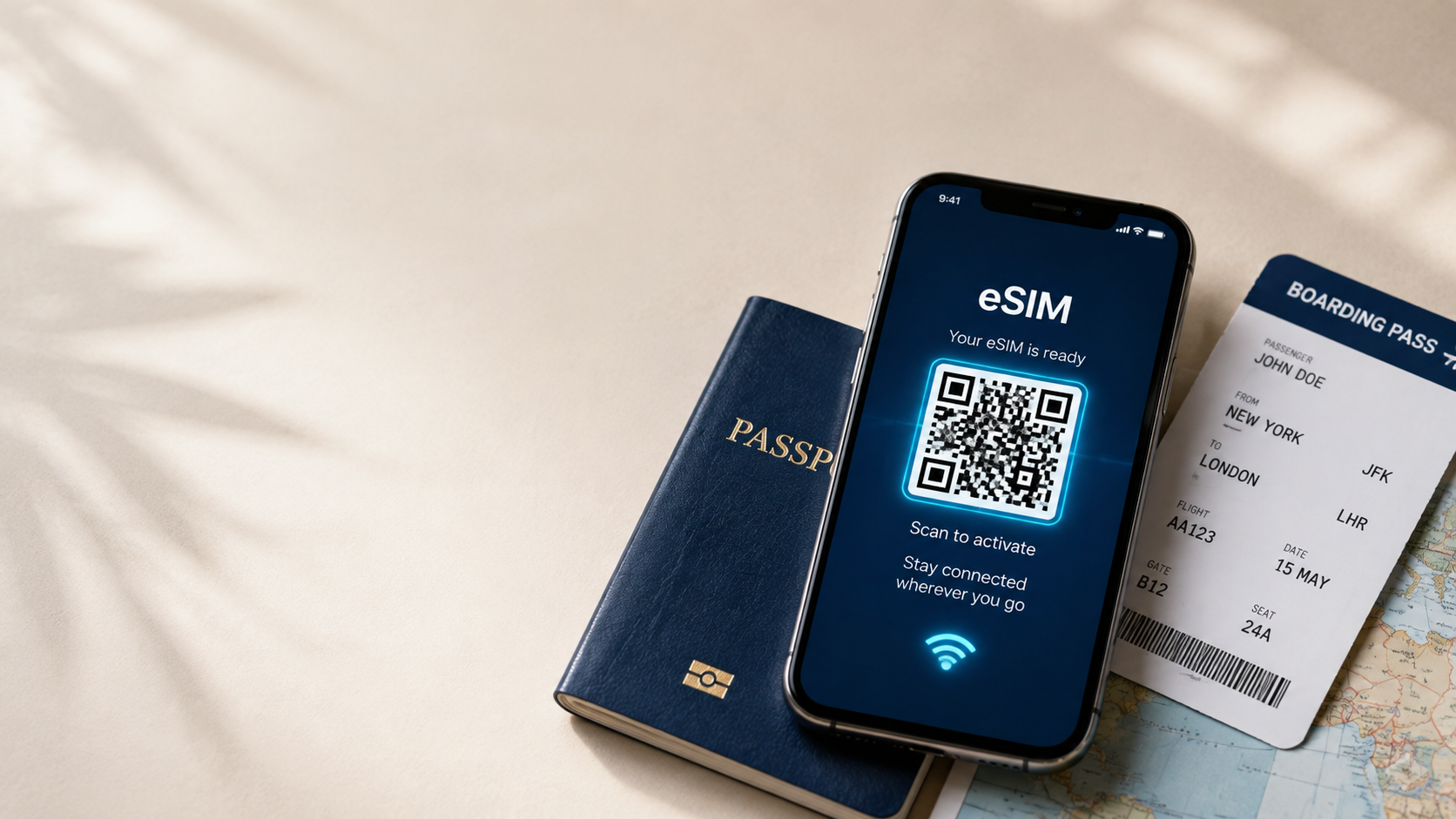
- Simple QR code activation: Scan the code once, and your phone handles the rest.
- No physical SIM card: Nothing to insert or swap, and your original SIM stays in place.
- Secure online checkout: Payments are processed through a protected system.
- Flexible prepaid plans: Choose a data allowance that matches the length of your trip.
- Reliable customer support: Available if you have questions during setup or while traveling.
Mobile Connectivity in Cambodia
- Booking a tuk-tuk driver or guide for Angkor Wat and the surrounding temple complexes
- Checking bus or boat schedules for routes like Siem Reap to Phnom Penh or Sihanoukville
- Translating menus and signage, since Khmer is the official language, with more English spoken in tourist hubs
- Looking up ferry times for island trips to Koh Rong or Koh Rong Samloem
- Messaging and video calls to stay in touch while traveling
- Confirming hotel and tour bookings as you move between destinations
- Sharing photos of Angkor Wat at sunrise or the streets of Phnom Penh
Popular Places Where Travelers Need Internet
- Siem Reap: Gateway to Angkor Wat and the wider Angkor Archaeological Park.
- Phnom Penh: The capital, known for the Royal Palace, riverside promenade, and its more recent history.
- Sihanoukville: A coastal city and departure point for nearby islands.
- Koh Rong: A popular island known for beaches and a laid-back backpacker scene.
- Battambang: Known for French colonial architecture and the Bamboo Train.
- Kampot: A riverside town known for pepper farms and a relaxed pace.
How to Activate Your eSIM
- Purchase your Cambodia eSIM on iNeedeSIM and select the plan that fits your trip.
- Check your email for the QR code and setup instructions.
- Open your phone's settings and go to the mobile or cellular data section.
- Scan the QR code using your camera or your phone's built-in eSIM installer.
- Confirm the installation and label the plan if you'd like to distinguish it from your home SIM.
- Activate the data plan either before you fly or once you land in Cambodia.
Device Compatibility
An eSIM requires a phone that supports the technology, so it's worth checking before you buy. Most recent iPhone and Android models include eSIM support, though this varies by model, carrier, and region of purchase. Check your device's settings for an eSIM or "Add Cellular Plan" option, and make sure your phone is carrier-unlocked.
Why Travelers Choose iNeedeSIM
For a trip that mixes temples, cities, and islands, having connectivity sorted in advance makes it easier to coordinate transport and tours as you go. iNeedeSIM keeps checkout simple, delivers your eSIM quickly by email, and doesn't require any technical background to get set up. If something comes up along the way, support is available to help.
Conclusion
From the temples of Angkor to the beaches of Koh Rong and the streets of Phnom Penh, Cambodia rewards travelers who can move through it with ease. A prepaid eSIM means you can land ready to book, translate, and navigate as you go. Set up your Cambodia eSIM through iNeedeSIM before you fly, and spend more of your trip exploring and less of it managing your phone plan.