Fiji eSIM: Stay Connected Across Paradise
Skip the SIM card hunt and get data working the moment you arrive
Introduction
Fiji draws travelers with its turquoise lagoons, coral reefs, and laid-back island rhythm, whether you are relaxing on the beaches of the Mamanuca Islands, diving the reefs near Taveuni, or exploring the markets of Suva. Staying connected across this island nation makes it easier to arrange boat transfers, check tide times, and stay in touch while island hopping. An eSIM lets you skip the search for a local SIM vendor and get mobile data running within minutes of landing. With iNeedeSIM, your Fiji eSIM is delivered straight to your inbox before departure, so you can activate it the moment you touch down at Nadi International Airport.
Why Choose an eSIM for Fiji
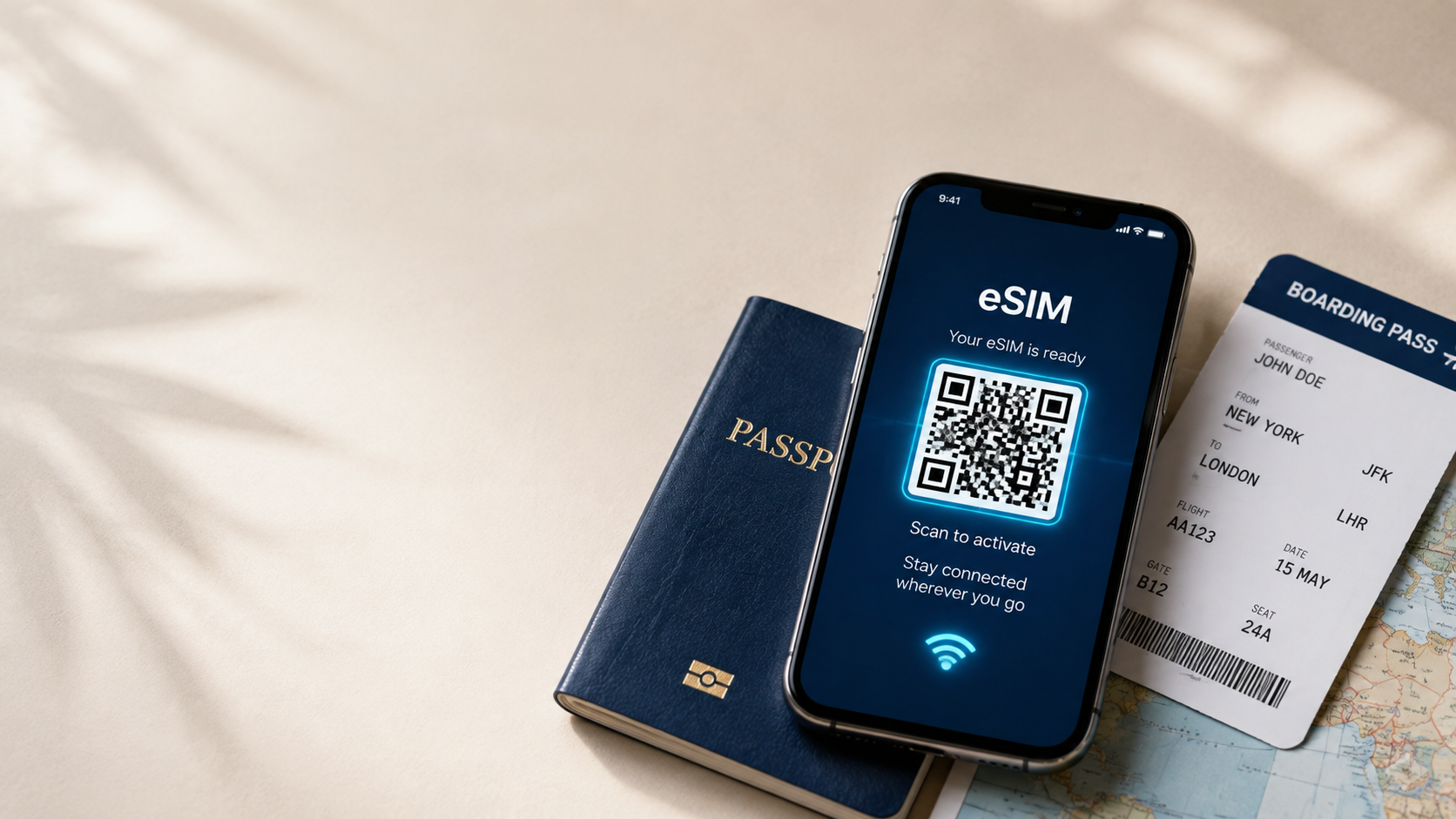
Picking up a physical SIM card in Fiji often means finding a carrier store near the airport or in town, which can eat into time better spent heading straight for the water. An eSIM removes that step entirely. Since it is a digital profile installed directly on your phone, there is no plastic card to manage and no shop to track down after a long flight. You purchase your plan online, receive a QR code by email, and can activate your data as soon as you land, ready to coordinate your first island transfer.
Benefits of Buying from iNeedeSIM
\* Instant email delivery: Your eSIM and QR code land in your inbox right after checkout, so there is no waiting around.
\* No roaming bill surprises: Choose your data plan upfront and know exactly what you are paying before you travel.
\* Keep your home number active: Your eSIM works alongside your existing SIM, so you can still receive calls and texts on your regular number.
\* 24/7 customer support: Get help with setup or troubleshooting at any hour, wherever your island itinerary takes you.
\* Flexible plan sizes: Whether you are in Fiji for a short beach break or an extended island-hopping trip, there is a data plan sized to match.
Mobile Connectivity in Fiji
\* Coverage is strongest around Nadi, Suva, and Denarau Island, supporting steady browsing and video calls.
\* 4G networks reach most of the main islands, including Viti Levu and Vanua Levu.
\* Outer islands and remote resorts may have limited or no signal, so it helps to confirm connectivity with your accommodation in advance.
\* Data speeds in populated tourist areas are generally reliable enough for maps, messaging, and light streaming.
Popular Places Where Travelers Need Internet
\* Nadi: The main gateway city, useful for arranging transport, tours, and checking flight details.
\* Denarau Island: A resort hub where connectivity helps with booking excursions and restaurant reservations.
\* Mamanuca and Yasawa Islands: Popular boat-trip destinations where checking ferry schedules ahead of time is especially useful.
\* Suva: Fiji's capital, handy for navigating markets, museums, and government offices.
\* Taveuni: Known as the "Garden Island," where a working connection assists with planning dive trips and waterfall hikes.
How to Activate Your eSIM
\* Purchase your Fiji eSIM plan through iNeedeSIM and check your email for the QR code.
\* Open your phone's settings and find the option to add a new cellular or mobile data plan.
\* Scan the QR code, and your device will install the eSIM profile automatically.
\* Label the new plan, such as "Fiji Data," to keep it separate from your home line.
\* Turn on data roaming for the eSIM once you land in Fiji, and you will be connected right away.
Device Compatibility
Most modern smartphones support eSIM technology, including iPhone models from the iPhone XS onward, along with many Android devices such as recent Samsung Galaxy, Google Pixel, and select Huawei models. Before purchasing, check your phone's settings for an eSIM or "Add Cellular Plan" option, or confirm with your carrier, since older or locked devices may not support it.
Why Travelers Choose iNeedeSIM
Travelers heading to Fiji choose iNeedeSIM because it removes one more logistical step from an island trip that should be about relaxing, not hunting for SIM cards. There is no store visit required, no paperwork, and no language barrier to navigate when setting up your data plan. Checkout takes just a few minutes, delivery is instant, and support is available if anything goes wrong during setup. For travelers focused on beaches, diving, and island hopping, iNeedeSIM keeps connectivity simple.
Conclusion
Fiji rewards travelers who want to spend their time exploring reefs and islands rather than worrying about connectivity gaps. An eSIM from iNeedeSIM means you land ready to go, with data working from the moment you step off the plane. Skip the SIM card counter and get your Fiji eSIM sorted before you even pack your bags.