Understanding the eSIM landscape in 2026
The travel connectivity market has matured significantly, moving away from physical SIM cards toward digital eSIM profiles that can be managed via mobile applications. By 2026, most mid-range and high-end smartphones support dual-SIM functionality, allowing travelers to maintain their home number while using a secondary eSIM for local data. Choosing the right application depends less on the novelty of the technology and more on network reliability, transparent pricing, and the ease of the installation process.
Key features to look for in a travel eSIM app
When evaluating the best eSIM apps for travel in 2026, prioritize platforms that offer real-time data monitoring and a straightforward activation flow. A high-quality app should provide clear instructions on whether it uses a QR code or an SM-DP+ address for manual installation. Look for apps that allow for easy top-ups, as travel plans often change and you may find yourself needing more data than initially estimated. Avoid services that hide their carrier partners, as knowing which network you will be connecting to is essential for estimating expected speeds.
Installation and activation workflows
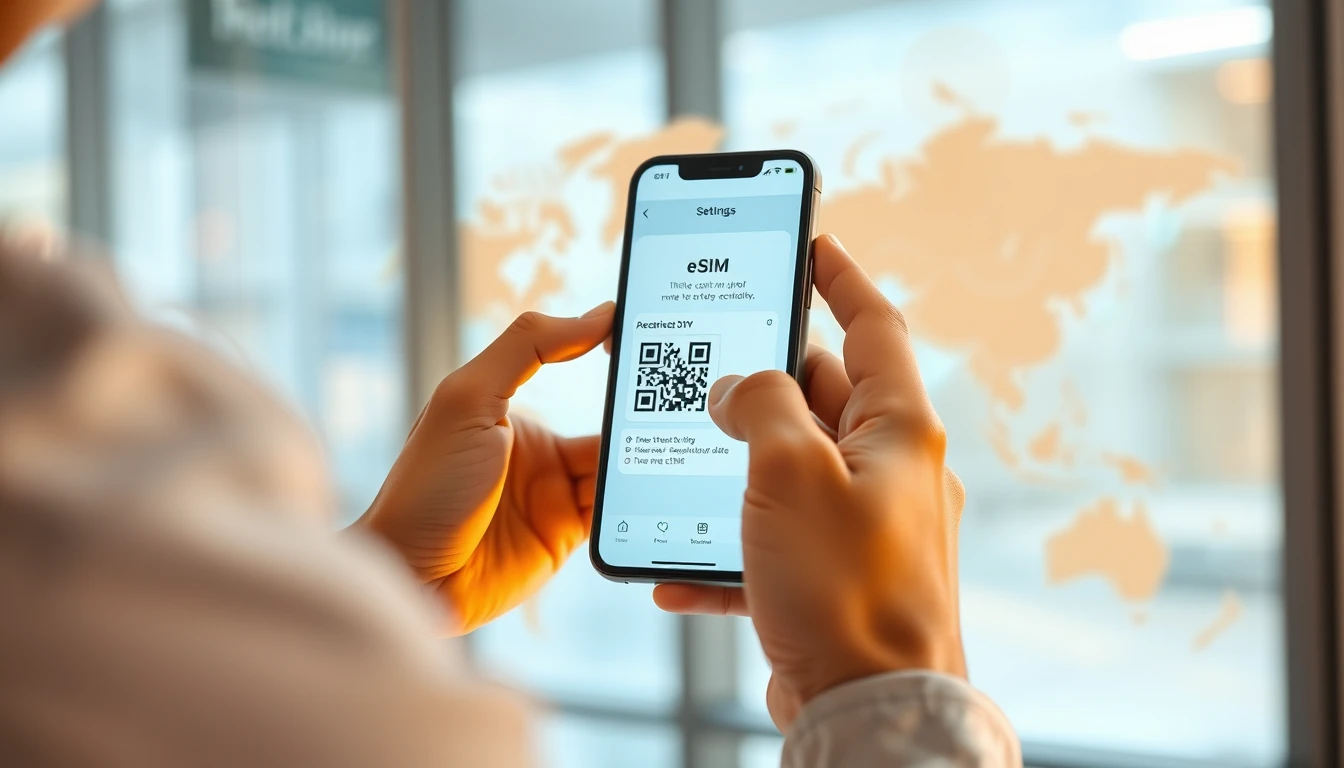
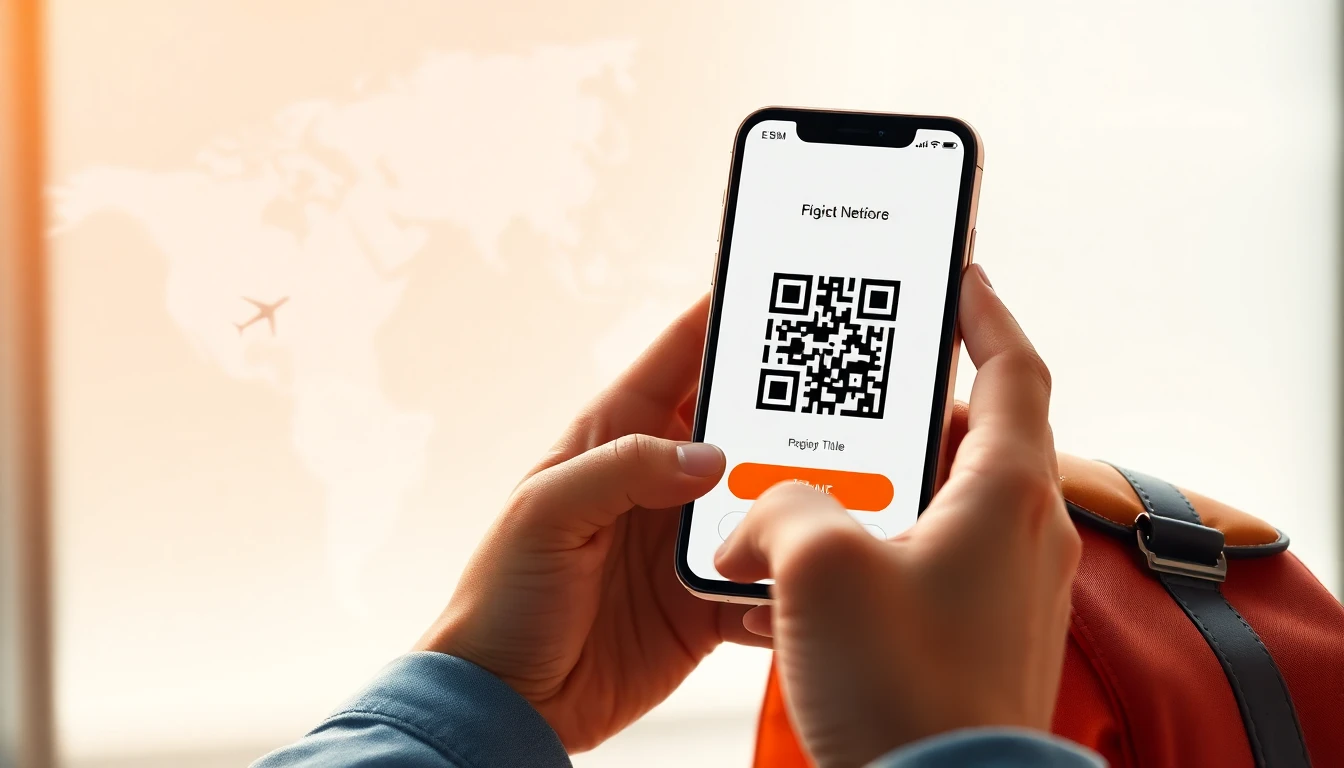
Most modern eSIM apps utilize one of three installation methods. The most common is the automated install, which allows you to trigger the eSIM profile directly from the app. The second is the QR code method, which requires scanning a code from a secondary device or a printed document. The third is manual entry, where you input the SM-DP+ address and activation code manually into your phone settings. For a detailed guide on these processes, you can visit our installation guide. Always ensure your device is carrier-unlocked before attempting to add a new eSIM profile.
Data-only versus voice-enabled plans
Many travelers mistakenly assume that all eSIMs provide a local phone number. In reality, the vast majority of travel eSIMs are data-only profiles designed for messaging apps, navigation, and web browsing. If you require a local phone number for making traditional calls or receiving verification SMS codes, you must specifically look for plans that include voice and SMS features. Data-only plans are generally more cost-effective for typical travel needs, such as using maps or searching for local restaurants, and they work seamlessly with VoIP services like WhatsApp or Telegram.
Assessing network coverage and roaming
Not all eSIM providers offer the same network quality. Some apps act as aggregators, connecting you to whichever local carrier has the strongest signal, while others have direct partnerships with specific telecom operators. When checking coverage, look for providers that offer 5G access where available. Keep in mind that rural areas may still rely on 4G or LTE, and your actual throughput will depend on local infrastructure. If you experience connectivity issues, check your APN settings within the cellular menu or consult our help center.
How iNeedeSIM compares
When you compare different providers, iNeedeSIM focuses on providing a streamlined user experience that minimizes the time spent on technical setup. Unlike many apps that bombard users with complex roaming configurations, our service emphasizes automated APN provisioning to ensure you get online as quickly as possible upon arrival. We prioritize transparency regarding data usage and offer flexible top-up options that allow you to extend your connectivity without needing to delete and reinstall profiles. By focusing on reliable regional partnerships, we aim to provide consistent performance across various travel destinations.
Frequently asked questions
How much data do I need per day?
For basic map navigation, messaging, and occasional social media usage, 500MB to 1GB per day is typically sufficient for most travelers. If you plan to stream high-definition video or participate in long video calls, you should consider plans with 2GB or more daily.
Can I use my home SIM and an eSIM at the same time?
Yes, most modern smartphones allow you to keep your home SIM active for calls and SMS while designating your eSIM as the primary source for mobile data. Ensure you adjust your cellular data settings to prevent your home SIM from triggering expensive roaming charges.
What should I do if my eSIM does not connect?
First, ensure that data roaming is toggled on for the eSIM profile in your phone settings. If it still does not connect, verify that your APN settings match the instructions provided by your eSIM app and try toggling airplane mode on and off to force a network re-registration.
Need data for your trip?
Browse eSIM plans for 190+ destinations — instant QR delivery.
Browse destinations