Why an eSIM is essential for your Japan trip
Visiting Japan during the cherry blossom season is a bucket-list experience, but it also brings massive crowds. With millions of tourists moving through Tokyo, Kyoto, and Osaka, reliable mobile data is not just a convenience—it is a necessity for navigating train lines, checking real-time bloom forecasts, and making restaurant reservations. Relying on public Wi-Fi or expensive home roaming plans can lead to frustration and unexpected costs.
An eSIM allows you to switch to a local data plan instantly without swapping physical SIM cards. By choosing a digital-only solution, you avoid the risk of losing your home SIM card while traveling. Most modern smartphones support eSIM technology, making it the most efficient way to access high-speed 4G or 5G networks across Japan the moment you land.
Checking your device compatibility
Before purchasing any travel eSIM, you must verify that your device is carrier-unlocked. If your phone is currently locked to a specific mobile provider in your home country, it will not accept an eSIM from another carrier. Contact your home provider to request an unlock before your departure.
Additionally, ensure your smartphone supports eSIM functionality. Most high-end devices released after 2018, including iPhones from the XS series onwards and many modern Android models, are compatible. You can check this in your phone settings under the cellular or mobile network menu to see if an option to add an eSIM or cellular plan exists.
Estimating your data requirements
Data usage during a trip to Japan varies significantly based on your habits. If you primarily use your phone for Google Maps, translation apps, and checking train schedules, you will likely need 1GB to 2GB per day. However, if you plan to upload high-resolution photos of the cherry blossoms or stream videos during long train rides, you should consider a plan with 3GB or more daily.
Most travel eSIMs are sold in fixed-data packages valid for a specific duration. For a typical ten-day trip, a 10GB or 20GB plan is often sufficient for moderate users. If you are a heavy data user, look for unlimited data options or plans that allow for easy top-ups. Remember that tethering or hotspotting to other devices will drain your data allowance much faster than standard phone usage.
Activation and installation process
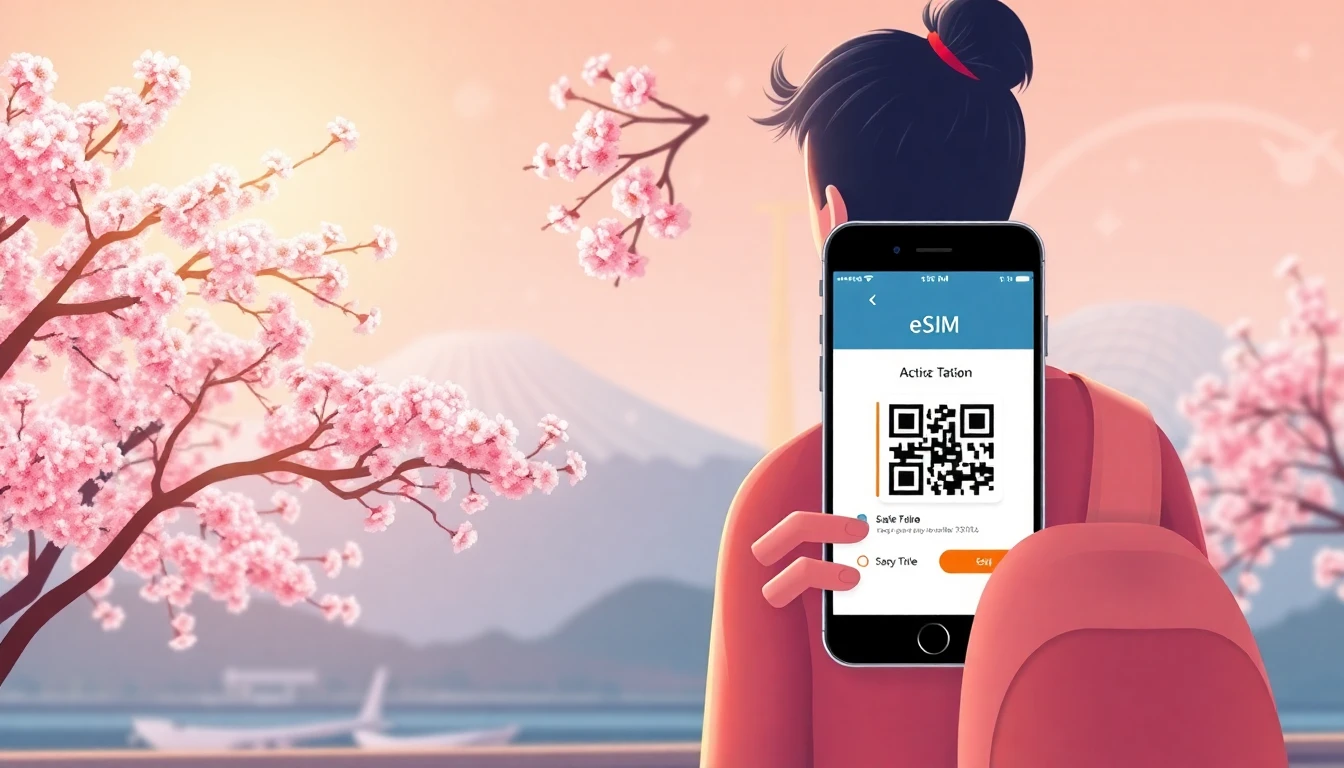
Installing an eSIM is a straightforward process that typically involves scanning a QR code provided by your vendor. It is highly recommended to perform this setup while you still have a stable internet connection, such as at home or in your hotel, before you arrive at the airport in Japan. You can find a detailed install guide on our website to assist with the specific steps for your device.
Once the eSIM profile is installed, you can keep it dormant until your flight lands in Japan. Upon arrival, enable the eSIM in your phone settings and ensure data roaming is turned on for that specific plan. Your phone will then automatically connect to a local Japanese network. If you encounter any issues, refer to our help section for troubleshooting common connectivity problems.
Local eSIMs versus international roaming
International roaming through your home carrier is often the most expensive option for Japan travel, frequently costing double or triple the price of a local eSIM. Furthermore, home carriers may route your traffic through servers in your home country, which can increase latency and slow down your connection speeds when accessing local Japanese services.
By using an eSIM from ineedesim, you gain access to local network infrastructure, providing better coverage in both urban centers and rural areas. This approach ensures you get the best possible speeds for your budget. While some travel eSIMs are data-only, this is usually sufficient for travelers who use apps like WhatsApp, Telegram, or FaceTime for voice calls rather than traditional cellular minutes.
Managing your connection in Japan
Japan has excellent 5G and 4G coverage, but signal strength can fluctuate in mountainous regions or inside older buildings. To maximize your battery life and data, consider downloading offline maps for the areas you plan to visit. This prevents your phone from constantly fetching data for navigation when you are already in a known area.
If you find yourself running low on data, some providers allow you to purchase a top-up directly through their app or website. Always monitor your usage via your phone's cellular settings menu to avoid hitting your limit unexpectedly. If you are traveling with companions, it is generally better to have individual eSIMs rather than relying on one person to hotspot for the entire group, as this preserves battery and provides redundancy if one device loses signal.
Frequently asked questions
Do travel eSIMs provide a local Japanese phone number?
Most travel eSIMs are data-only and do not include a local phone number for making traditional voice calls. However, you can use apps like WhatsApp or Skype to make calls over your data connection.
Can I use my home SIM and the eSIM at the same time?
Yes, most modern smartphones allow you to use Dual SIM mode, where your home SIM handles calls and texts while your eSIM handles mobile data. Ensure your home carrier does not charge high roaming fees for incoming calls before enabling both.
What happens if my eSIM does not connect immediately?
First, restart your phone and ensure your travel eSIM is selected as the primary source for cellular data. Check that data roaming is toggled on in the settings for that specific eSIM profile.
Need data for your trip?
Browse eSIM plans for 190+ destinations — instant QR delivery.
Browse destinations