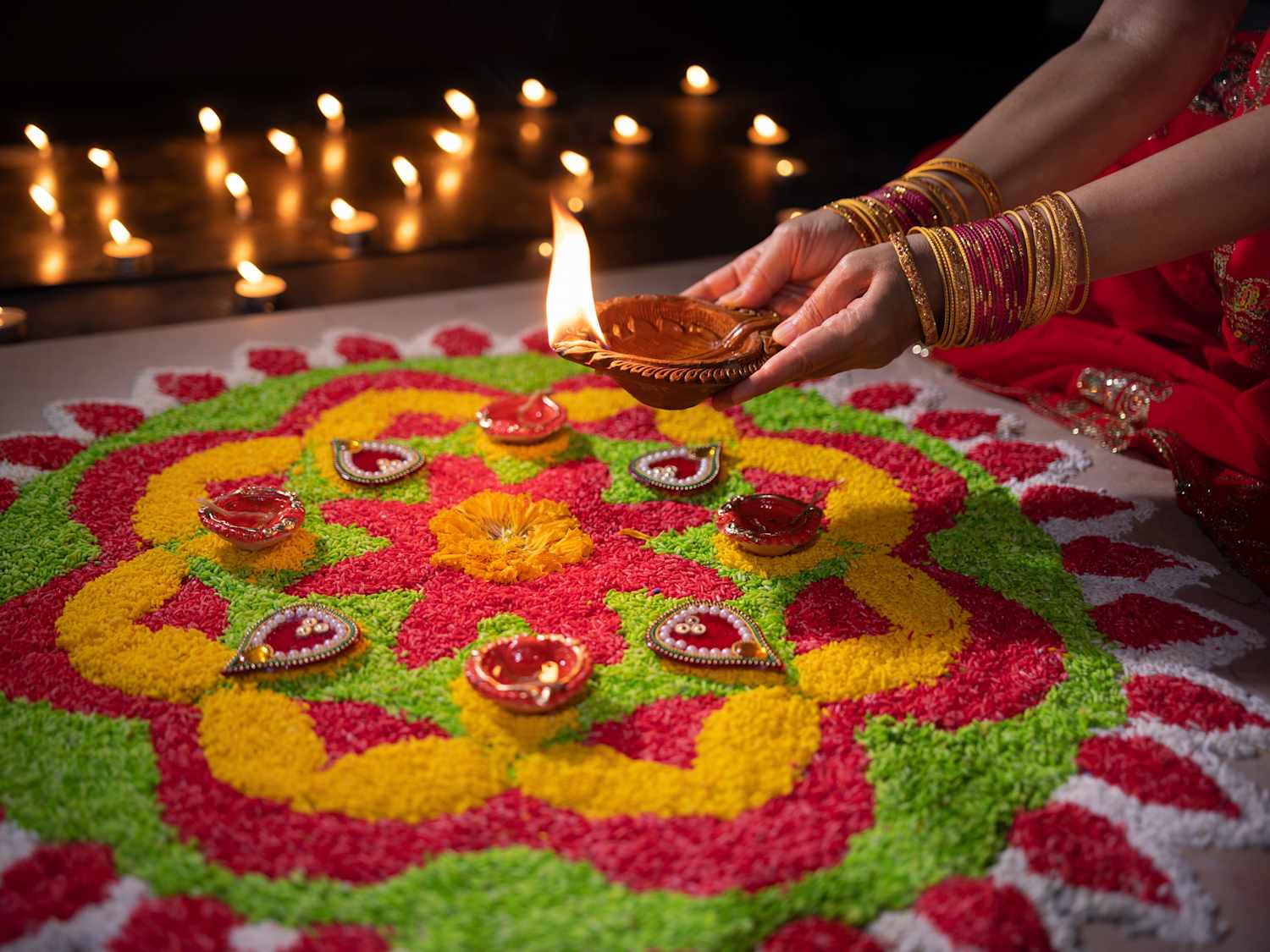
Diwali, the vibrant Festival of Lights, is one of the most significant cultural events in India and for communities globally. Because it follows the lunisolar Hindu calendar, the question of when is Diwali changes every year according to the Gregorian calendar. The festival typically spans five days, with the main day of celebration falling on the darkest night of the lunar month, known as Amavasya. For travelers, this means the dates shift annually, usually occurring between mid-October and mid-November.
Understanding the Diwali Calendar
The timing of Diwali is determined by the position of the moon. It falls on the 15th day of the Hindu month of Kartika. Because the lunar cycle does not perfectly align with the standard solar calendar used in most of the world, planning a trip requires checking specific dates well in advance. If you are traveling to India or regions with large South Asian populations, expect major transport hubs to be exceptionally busy during this window.
Most travelers find that booking flights and accommodation at least three to four months in advance is necessary. During the peak of the festival, local connectivity becomes vital for navigating crowded streets, coordinating with family, or simply finding the best spots for local light displays. Having a reliable data connection ensures you can access maps and ride-sharing services without relying on unstable public Wi-Fi networks.
Preparing Your Mobile Connectivity
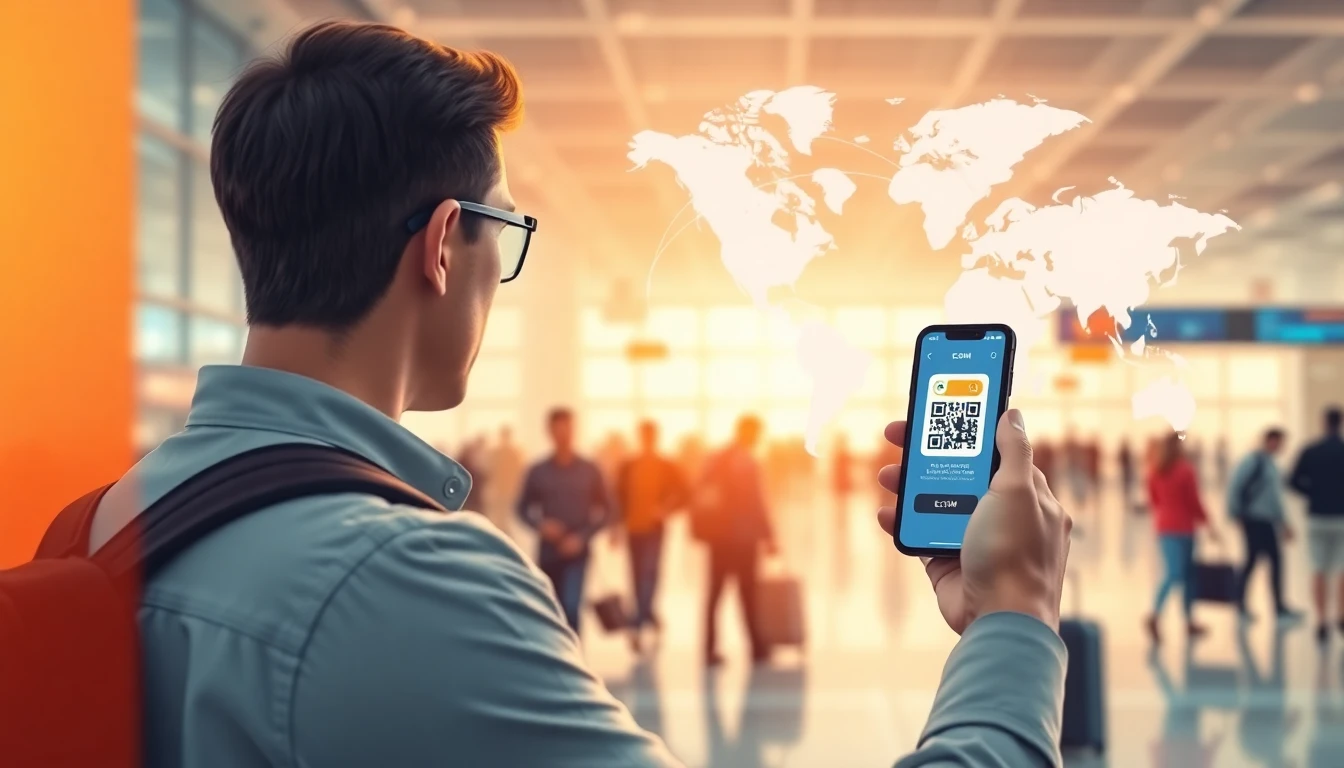
When traveling during a major festival like Diwali, you need a mobile solution that works the moment you land. Traditional roaming plans from your home carrier are often prohibitively expensive and may involve hidden daily fees. A travel eSIM provides a local-like data experience without the need to physically swap SIM cards or visit a local shop in a crowded airport.
Before you purchase an eSIM, verify that your smartphone is carrier-unlocked. Most modern devices, including recent iPhones and Android flagships, support eSIM technology. You can check your device settings under the mobile or cellular section to see if an "Add eSIM" option exists. If your phone is locked to a specific carrier, you will need to contact them to request an unlock before you travel.
How to Install and Activate Your eSIM
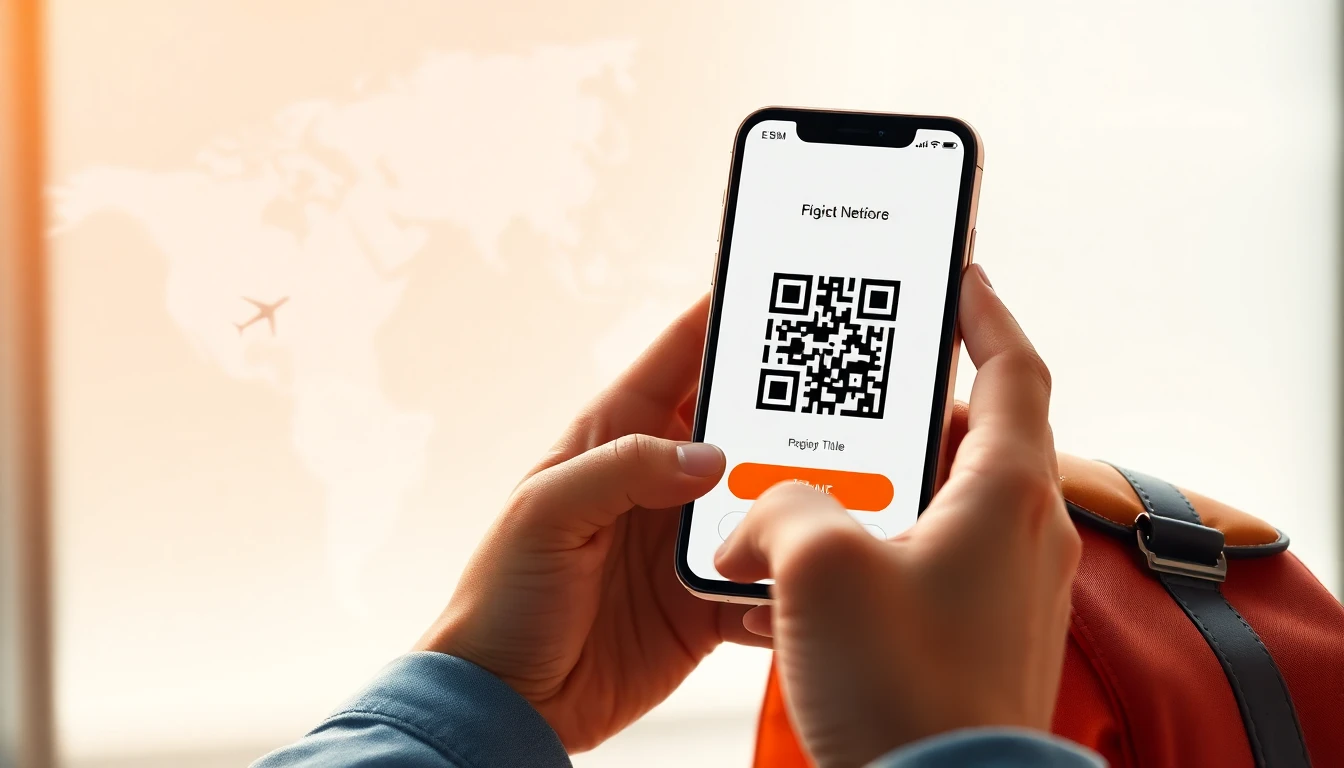
Installing an eSIM is a straightforward process that you can complete before you even leave home. Once you purchase your data package, you will typically receive a QR code or an activation code via email. This code links your device to the local network provider in your destination country.
- Ensure you have a stable internet connection while installing the profile.
- Go to your phone settings and select the option to add a cellular plan.
- Scan the QR code provided by your eSIM store or enter the SM-DP+ address manually.
- Follow the on-screen prompts to label your new plan and set it as the primary source for cellular data.
If you encounter any issues during the installation, visit our install guide for step-by-step instructions. For more complex technical questions, our help page provides troubleshooting tips to ensure you are online as soon as you arrive.
Data Usage During Festivals
Festivals are data-intensive experiences. Between uploading high-resolution videos of fireworks, using navigation apps, and checking local event updates, your daily data consumption can easily double. While a typical traveler might get by with 500MB to 1GB per day, those attending Diwali may want to opt for plans that offer 2GB or more daily to avoid the stress of running out of data.
Most eSIM providers offer data-only packages, which are ideal for travelers who use apps like WhatsApp, Telegram, or FaceTime for voice and video calls. These apps rely on data rather than traditional cellular minutes, making them the most cost-effective way to stay in touch. Remember that tethering or hotspotting to other devices will consume your data allotment much faster, so monitor your usage in your phone settings.
Managing Your Data Needs on the Go
If you find yourself running low on data, many providers allow you to purchase a top-up directly through their app or website. It is often smarter to buy a slightly larger package initially to save on the transaction fees associated with multiple smaller top-ups. If you are traveling with a group, consider having each person use their own eSIM rather than trying to share a single hotspot, as this prevents connection drops and allows for independent exploration.
At ineedesim, we recommend checking your destination's coverage map before purchasing. While major cities in India and Southeast Asia have excellent 4G and 5G coverage, rural areas may still rely on slower network standards. Always keep your primary home SIM active only for essential SMS verification codes if your bank requires them, but keep your data roaming turned off on that line to avoid accidental charges.
Frequently asked questions
Can I use my home number while using an eSIM?
Yes, most dual-SIM phones allow you to keep your primary physical SIM card active for calls and SMS while using the eSIM solely for data. Just ensure you configure your phone settings to use the eSIM for cellular data to avoid roaming charges.
Do I need to be in the country to activate the eSIM?
It is often possible to install the eSIM profile before you depart, but activation usually occurs once the device connects to the local partner network at your destination. We recommend installing the profile while you still have a stable Wi-Fi connection at home.
What happens if my data runs out?
If you exhaust your data allotment, you will typically lose internet access until you purchase a top-up or a new plan. You can monitor your usage through your phone's cellular settings or the provider's dedicated app to ensure you stay connected throughout your trip.
Need data for your trip?
Browse eSIM plans for 190+ destinations — instant QR delivery.
Browse destinations