Preparing for the Boston Marathon is a multi-year journey for many long-distance runners. As one of the world's most prestigious Abbott World Marathon Majors, securing a spot requires meticulous planning, both in terms of physical training and logistical coordination. If you are aiming for the 2027 race, understanding the qualifying standards and the nuances of international or domestic travel is the first step toward crossing that finish line on Boylston Street.
Understanding the 2027 Qualifying Standards
The Boston Athletic Association (B.A.A.) maintains strict qualifying times based on age and gender. While the 2027 standards typically mirror recent years, it is vital to monitor official B.A.A. announcements, as they occasionally adjust these thresholds based on the volume of applicants. Qualifying times are net times, meaning they are measured from when you cross the start line to when you cross the finish line.
To qualify, you must run a certified marathon within the designated qualifying window, which usually opens about 18 months before the race. It is important to note that achieving a qualifying time does not guarantee entry. Because the race has a limited field size, the fastest applicants in each age group are admitted first. If you are within a few minutes of the cutoff, you may face disappointment, so aiming for a significant buffer is a recommended strategy.
Planning Your Runcation Logistics
Traveling to Boston for the marathon requires more than just race-day preparation. You will need to manage your accommodation, which often sells out months in advance, and ensure your communication tools are ready for a week of travel. Whether you are flying from overseas or across the country, having reliable mobile data is essential for navigating the city, tracking your race bib, and staying in touch with your support crew.
For many international runners, roaming charges can be exorbitant. Using a travel eSIM is a practical solution that allows you to access local networks without swapping physical SIM cards. By using a service like ineedesim, you can ensure your device is ready to connect the moment you land at Logan International Airport, avoiding the stress of searching for local kiosks or dealing with unexpected roaming fees.
Digital Connectivity for Runners
Modern travel requires constant connectivity. You need to access race-day information, use GPS for navigating the expo, and potentially tether your laptop to update your training logs or share your progress with friends and family. A data-only eSIM is often the most cost-effective way to handle these needs. Most modern smartphones are eSIM-compatible, allowing for a seamless transition between your home carrier and a local data plan.
When choosing a data plan, consider your typical usage patterns. If you are planning to upload race photos or stream music during your shakeout runs, you might need a higher data allowance than a casual user. Most travelers find that 5GB to 10GB of data is more than sufficient for a week-long trip, provided you use Wi-Fi at your hotel for heavy downloads like map updates or video calls.
Installing and Activating Your eSIM
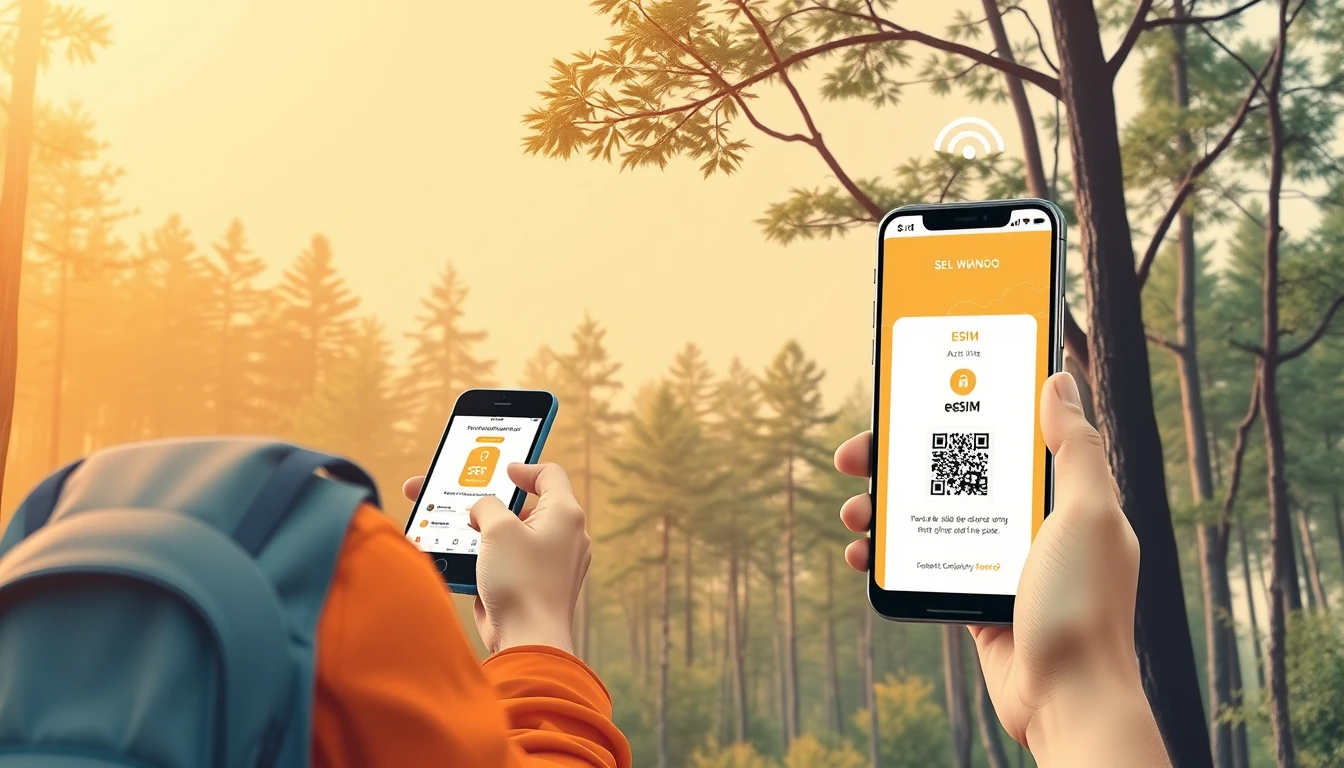
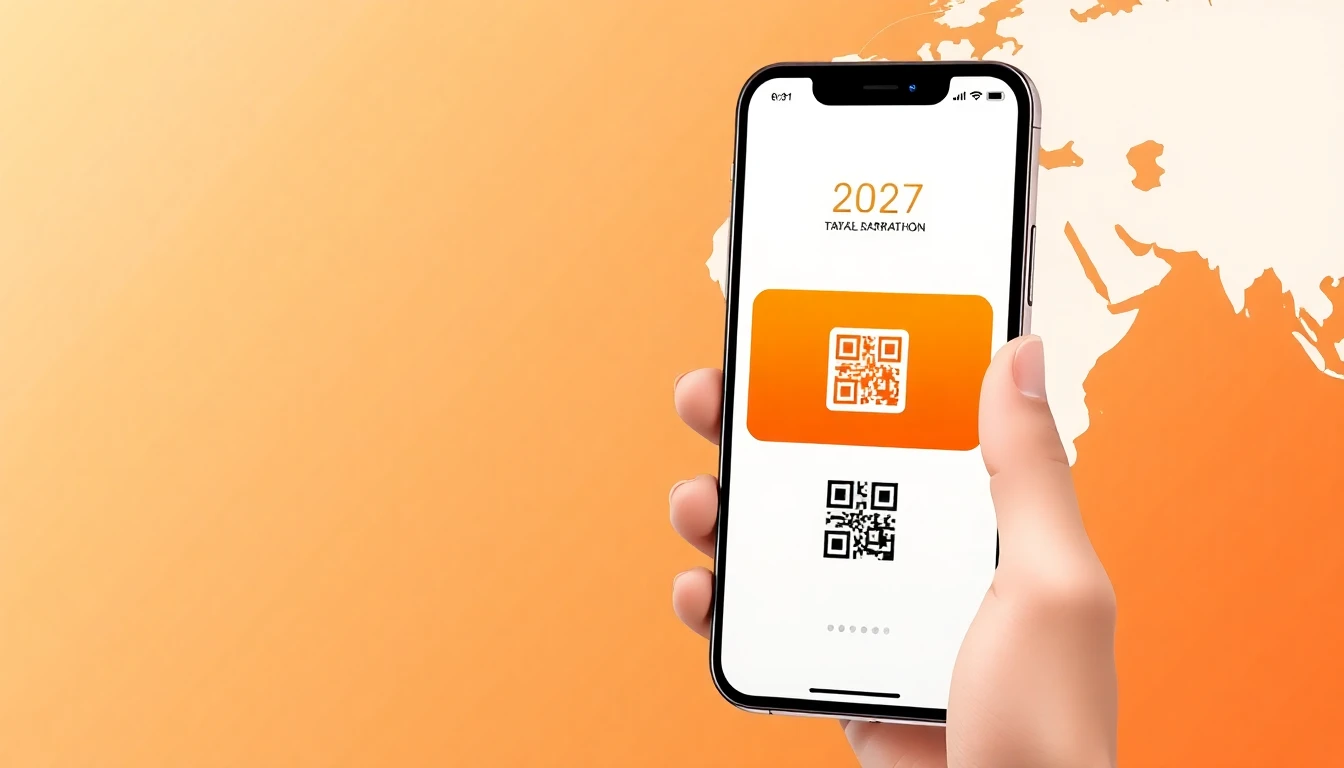
Setting up your connection should be done before you leave home to ensure you have service upon arrival. The process typically involves scanning a QR code provided by your eSIM carrier or entering an SM-DP+ address manually. Once installed, your device will treat the eSIM as an additional line, which you can toggle on or off in your cellular settings. You can learn more about the technical process at our install guide.
Avoid the common mistake of activating your eSIM too early if the plan has a strict duration. Most plans start the countdown the moment they connect to the local network in the United States. If you are traveling for an extended period, ensure you understand if your plan supports top-ups or if you need to purchase a larger package from the start. Always check your phone settings to ensure data roaming is enabled for the eSIM line while disabled for your home line to prevent accidental charges.
Managing Data Usage on Race Week
During race week, your phone becomes your most important travel companion. From using rideshare apps to get to the athlete village to checking real-time race updates, you will rely on your cellular connection constantly. To maximize your data, disable background app refreshes for non-essential applications and download offline maps for the Boston area.
If you are traveling with a group, consider using your phone as a hotspot to share data if your plan allows. However, keep in mind that tethering consumes data much faster than standard phone browsing. If you find yourself running low, many providers allow you to purchase additional data blocks directly through their app or website. For troubleshooting connectivity issues, you can always visit our help section to resolve common configuration problems.
Frequently asked questions
Do I need a voice-enabled eSIM for the Boston Marathon?
Most runners only require a data-only eSIM for navigation, messaging apps, and web browsing. If you need to make traditional phone calls, you can use VoIP services like WhatsApp or FaceTime, which function perfectly over your data connection.
Can I use my eSIM in multiple US cities?
Yes, if you are traveling to other cities before or after the marathon, a US-wide eSIM will cover your connectivity needs across the country. Ensure you verify the coverage map of your chosen plan to confirm it includes all your travel destinations.
What if my phone does not support eSIM?
If your device is not eSIM-compatible, you will need to rely on a physical SIM card or your home carrier's international roaming plan. Most smartphones manufactured after 2018 support eSIM, but it is best to check your manufacturer's specifications before purchasing.
How much data should I purchase for a one-week trip?
For a typical week of travel involving maps, social media, and race-day logistics, 5GB to 10GB is usually the sweet spot. If you plan to stream high-definition video or tether your computer, you should consider a larger 15GB or 20GB plan.
Need data for your trip?
Browse eSIM plans for 190+ destinations — instant QR delivery.
Browse destinations