Understanding eSIM technology for US travel
An eSIM is a digital SIM card embedded directly into your smartphone hardware. Unlike traditional physical SIM cards that require a tray and a tiny chip, an eSIM allows you to activate a cellular data plan by downloading a profile via a QR code or an app. For travelers heading to the United States, this technology has replaced the need to visit a local store or swap out fragile plastic cards upon landing.
Most modern smartphones, including iPhones from the XS model onwards and many recent Android devices from Google, Samsung, and Motorola, support eSIM functionality. Before purchasing a plan, ensure your device is carrier-unlocked. If your phone is locked to your home network, it will not accept a secondary eSIM profile from a different provider, rendering the plan unusable regardless of its compatibility.
Why choose eSIM over physical roaming
Traditional international roaming is often prohibitively expensive. Your home network operator may charge significant daily fees for data, or they might throttle your speeds after a minimal allowance. Using eSIM data plans for USA travel offers a cost-effective alternative because you are purchasing local or regional data buckets at competitive rates.
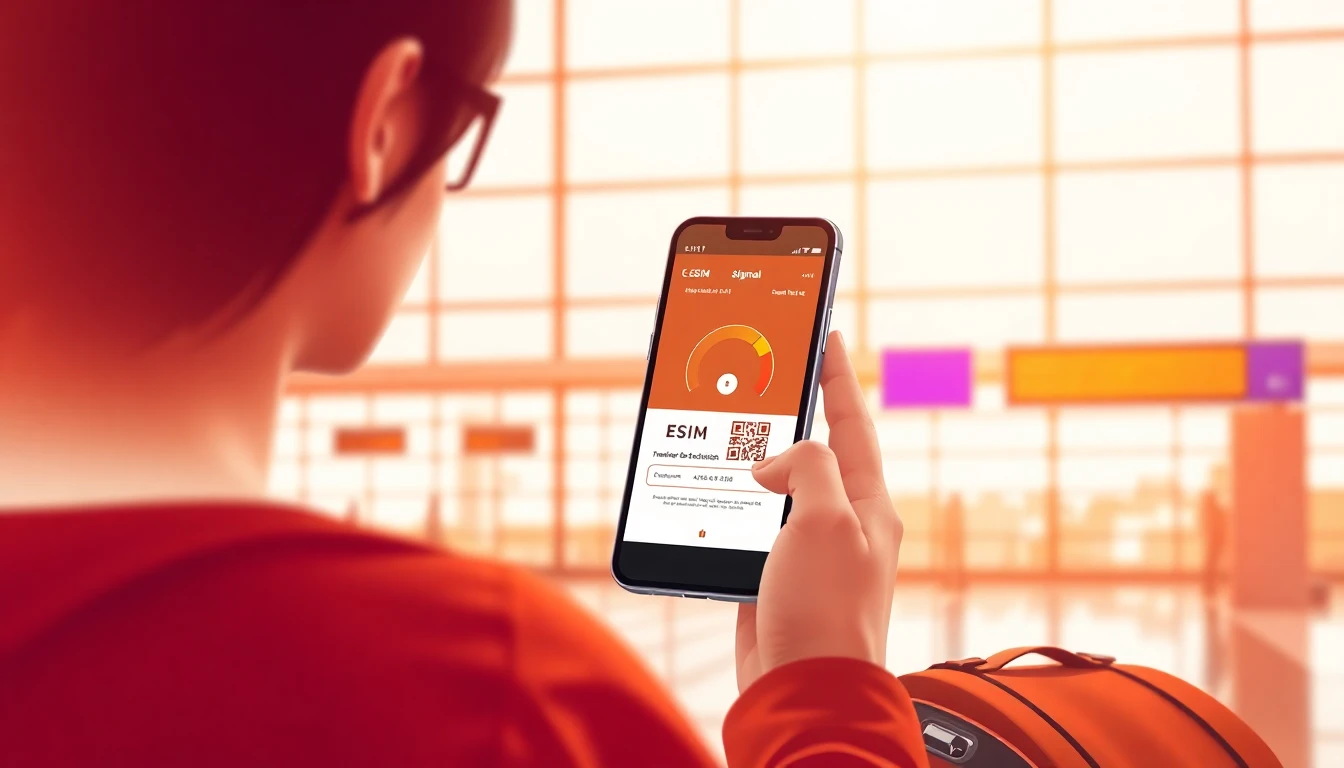
Another significant advantage is the convenience of preparation. You can purchase and install your eSIM before you even board your flight. Once you land in the United States, you simply toggle the eSIM on in your phone settings, and your device will connect to a local carrier network immediately. This eliminates the stress of searching for a SIM kiosk or Wi-Fi in the airport terminal.
Data requirements and usage patterns
When selecting a plan, consider your daily data habits. A light user who only checks emails, uses navigation apps, and sends occasional text messages might only need 500MB to 1GB per day. However, if you plan on streaming high-definition video, uploading large photos to social media, or participating in video calls, you should look for plans that offer 2GB or more per day.
It is important to note that most travel eSIMs are data-only. This means they do not come with a local US phone number for traditional cellular calls or SMS. You can, however, continue to use data-based services like WhatsApp, FaceTime, Skype, or Zoom to communicate with friends and family. If you absolutely require a local phone number for business purposes, you may need to look for specific providers that offer voice-inclusive packages, though these are less common for short-term tourists.
Installation and activation process
Activating your eSIM is a straightforward process that typically takes only a few minutes. Once you purchase your plan, you will receive a confirmation email containing a QR code or an activation string. You can follow our detailed installation guide to ensure your device is configured correctly for the US network.
Make sure you have a stable internet connection while installing the profile, as your phone needs to download the necessary network settings from the server. Once the profile is installed, you can leave it disabled until you arrive in the US. Upon arrival, enable the eSIM in your cellular settings and ensure that data roaming is turned on for that specific profile. Your phone will then automatically search for and connect to a compatible local carrier.
Managing multiple SIMs and hotspotting
One of the best features of modern smartphones is the ability to run two SIMs simultaneously. You can keep your primary SIM active for incoming calls from home while using your eSIM for all your data needs in the US. This setup prevents you from missing important calls while avoiding the steep costs of roaming data.
Most eSIM plans support mobile hotspot or tethering, which allows you to share your data connection with a tablet, laptop, or a travel companion's phone. This is particularly useful if you are working remotely or traveling with family. Check the specific terms of your chosen plan, as some providers may limit hotspot speeds or total data usage when tethering is enabled.
Troubleshooting common connectivity issues
If you find that you are unable to connect to a network upon arrival, the first step is to toggle Airplane Mode on and off. This forces your device to perform a fresh handshake with the local cell towers. If that does not work, verify that your eSIM profile is selected as the primary source for cellular data in your phone settings.
Check that you have not exceeded your data allowance. Most providers offer a dashboard where you can track your usage in real-time. If you run out of data, many services allow you to purchase a top-up directly through their website or app. If you continue to face issues, you can always visit our help center to troubleshoot specific device settings or network configurations.
Frequently asked questions
Can I keep my home phone number active while using an eSIM?
Yes, you can keep your home SIM active for calls and texts while using the eSIM for data. Ensure your phone is set to use the eSIM for cellular data to avoid accidental roaming charges from your home provider.
Do I need to buy a new eSIM for every trip to the USA?
If your previous eSIM has expired, you will typically need to purchase a new one for your next trip. Some providers allow you to top up or extend an existing eSIM, but purchasing a fresh plan is often simpler and more cost-effective.
Will an eSIM work in rural areas of the USA?
Coverage depends on the local partner networks that the eSIM provider uses. While most major cities have excellent 5G or 4G LTE coverage, rural areas may have more limited connectivity, similar to what a standard local US subscriber would experience.
How much data do I really need for a one-week trip?
For average usage involving maps, social media, and web browsing, 5GB to 10GB is usually sufficient for a seven-day trip. If you plan to stream video or use your phone as a hotspot for a laptop, consider a plan with 20GB or more.
Need data for your trip?
Browse eSIM plans for 190+ destinations — instant QR delivery.
Browse destinations